
Higher resolution sounds like an easy upgrade — more pixels, better footage. It is not that simple, because resolution is paid for twice: once on the camera and again, every day, on the disk. This is how to decide where it earns its place.
What the numbers actually mean
Megapixels count the pixels the sensor captures. What matters operationally is not the total but how many of those pixels land on your subject — a 8MP camera covering a 30-metre yard puts fewer pixels on a face than a 4MP camera covering a doorway.
This is why "which resolution" cannot be answered without "at what distance, for what purpose".
The three jobs footage does
- Detection — something moved, roughly there. Lowest requirement.
- Recognition — that is a person, wearing this, carrying that.
- Identification — that is a specific face, or that number plate. Highest requirement.
Identification needs the most pixels on target. Detection needs the fewest. Most sites need identification at only two or three positions and detection everywhere else.
Why we stock mostly 4MP
Almost every camera in our range is 4MP, with 5MP on the PTZ. That is deliberate rather than a limitation: at the distances a normal commercial position involves, 4MP identifies a face at an entrance and a plate at a gate, and its bitrate does not force an oversized disk.
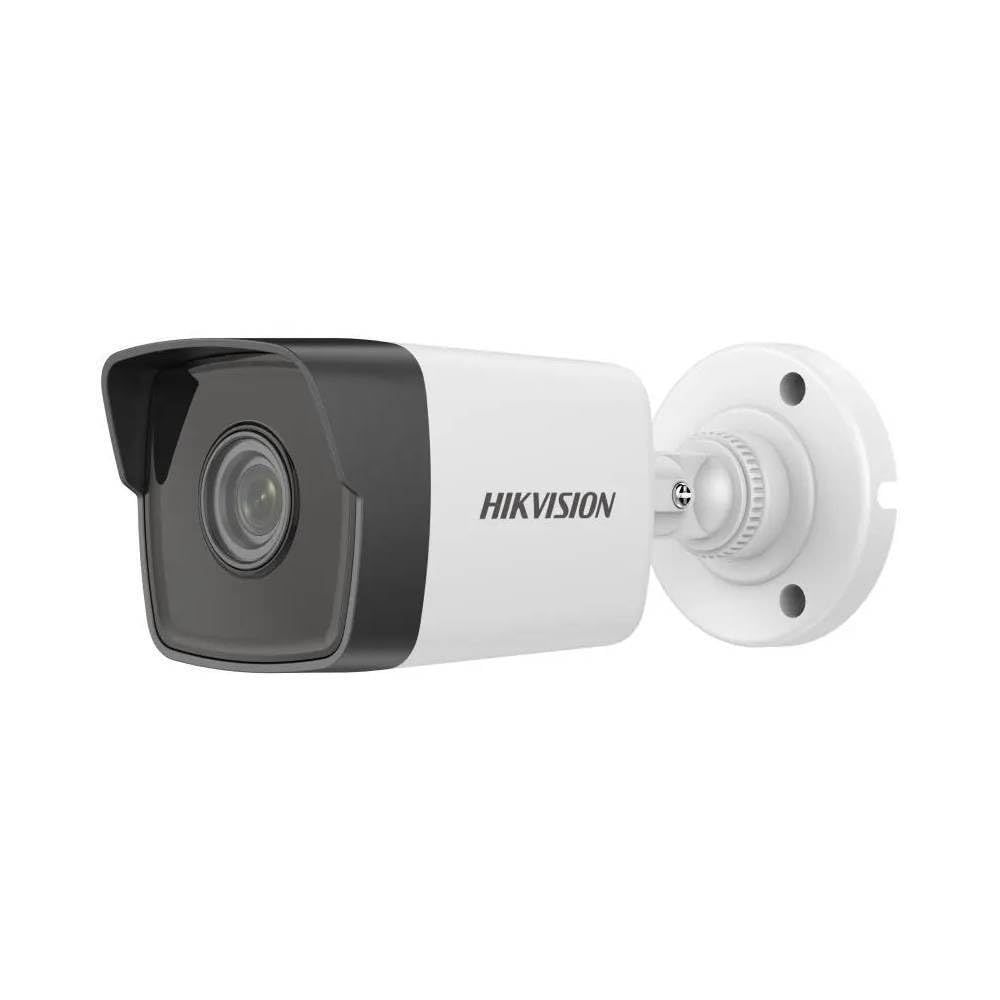
You can see the range across our CCTV cameras — 4MP dome, bullet, IP bullet, Wi-Fi and pan/tilt models, with a 5MP PTZ.
The storage arithmetic
Disk requirement is camera count multiplied by bitrate, multiplied by recording hours, multiplied by retention days. Resolution raises the bitrate, so it multiplies through the entire calculation.
Doubling resolution on sixteen cameras does not add a little disk — it changes the disk order materially, every day, for as long as the system runs. Before specifying higher resolution across a site, work out what it does to your retention period at the disk you planned to buy.
Two things reduce the requirement without touching resolution: motion-triggered recording instead of continuous, and lower resolution on detection-only positions.
Where higher resolution is worth it
- Vehicle gates where plates must be readable
- Cash handling and till positions
- A single main entrance where every visitor passes
- Wide areas covered by one camera that must still identify
Where it is not
- Corridors — you need to know someone passed, not who
- Storerooms and plant areas
- Car parks, for presence rather than plates
- Any position where a second camera closer to the subject would work better than more pixels from further away
That last point is the one worth remembering. Two well-placed 4MP cameras usually beat one 8MP camera trying to cover both jobs from a compromise position — and often cost less.
Night changes the answer
Resolution is a daylight specification. In darkness the limit becomes infrared range, and a high-resolution camera pointed beyond its IR range produces a dark image at high resolution. Match IR range to the actual distance to the subject before spending on megapixels.
Bandwidth, not just disk
Higher bitrates also load the network. Sixteen cameras at 4 Mbps is 64 Mbps of continuous traffic to the recorder; a gigabit uplink handles it, 100 Mbps does not once someone reviews footage over the same link. See our gigabit and PoE switches and Cat6 cable.
Tell us the distances
Send the positions you want covered and roughly how far each subject will be from the camera. We will work out where resolution earns its place, what the retention target does to disk, and quote the cameras, switch, recorder and cabling as one specification.
Star Networking Services has supplied networking and security products in Chennai since 1998, across more than 300 projects.
Browse CCTV cameras, read the installation guide, or request a quote.