
CCTV End-to-End Security Supplier in Chennai
Getting a CCTV system right is mostly arithmetic done before anything is mounted: how many cameras a site needs, what they will draw from the switch, how many recorder channels and how much disk the retention period demands, and whether the cable runs fit. This page works through each of those. To buy the cameras themselves, see our CCTV camera range.
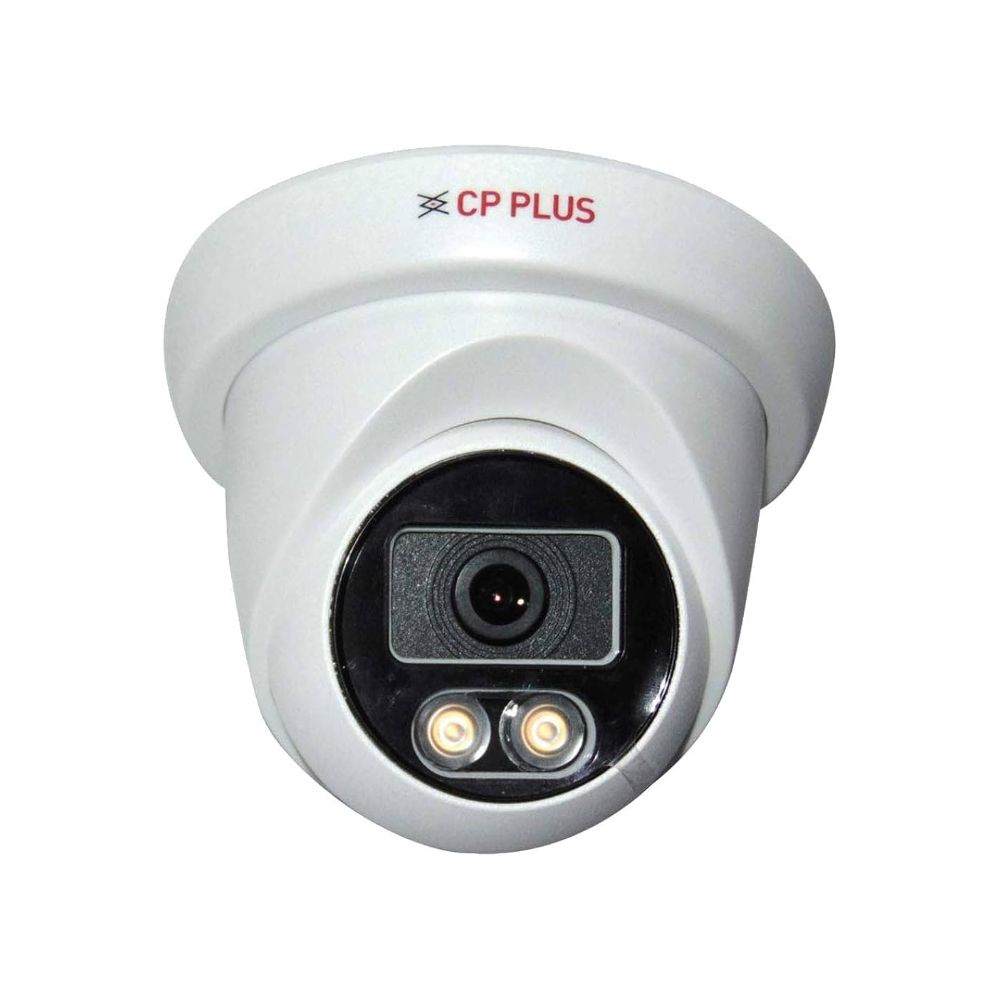
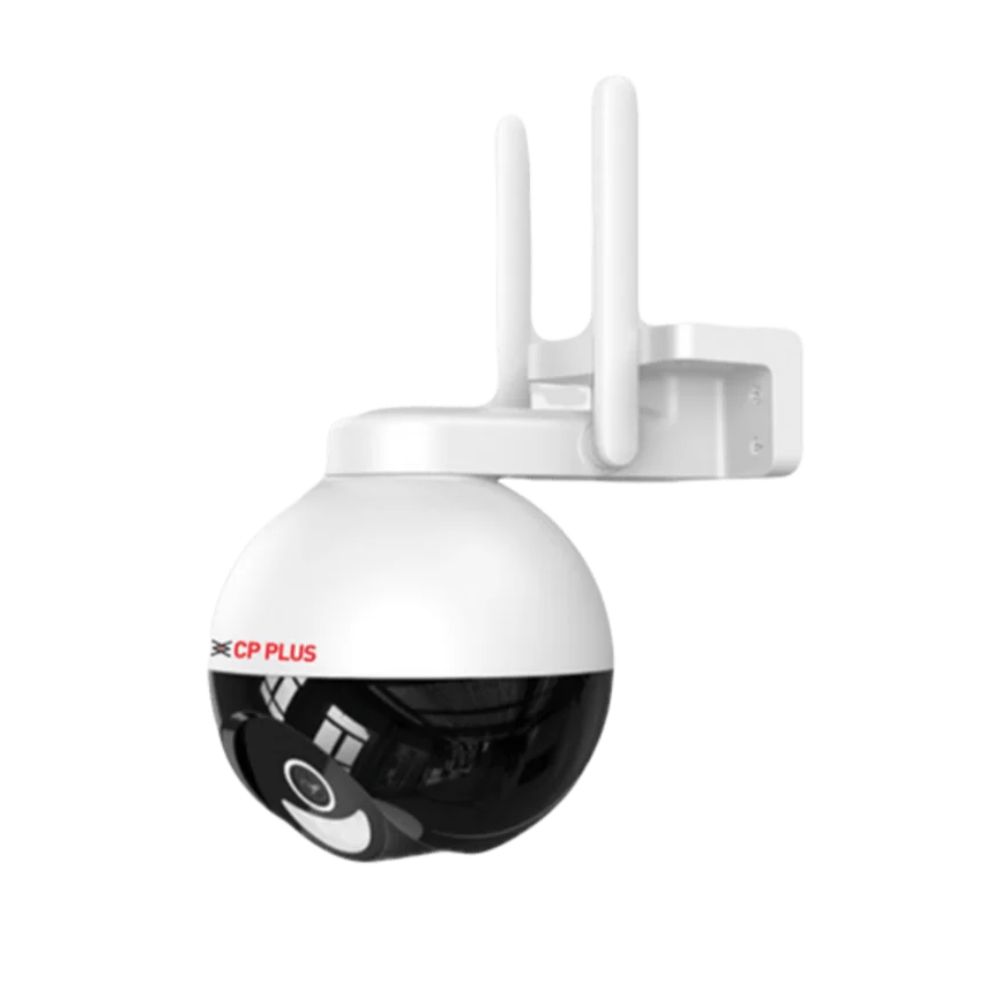
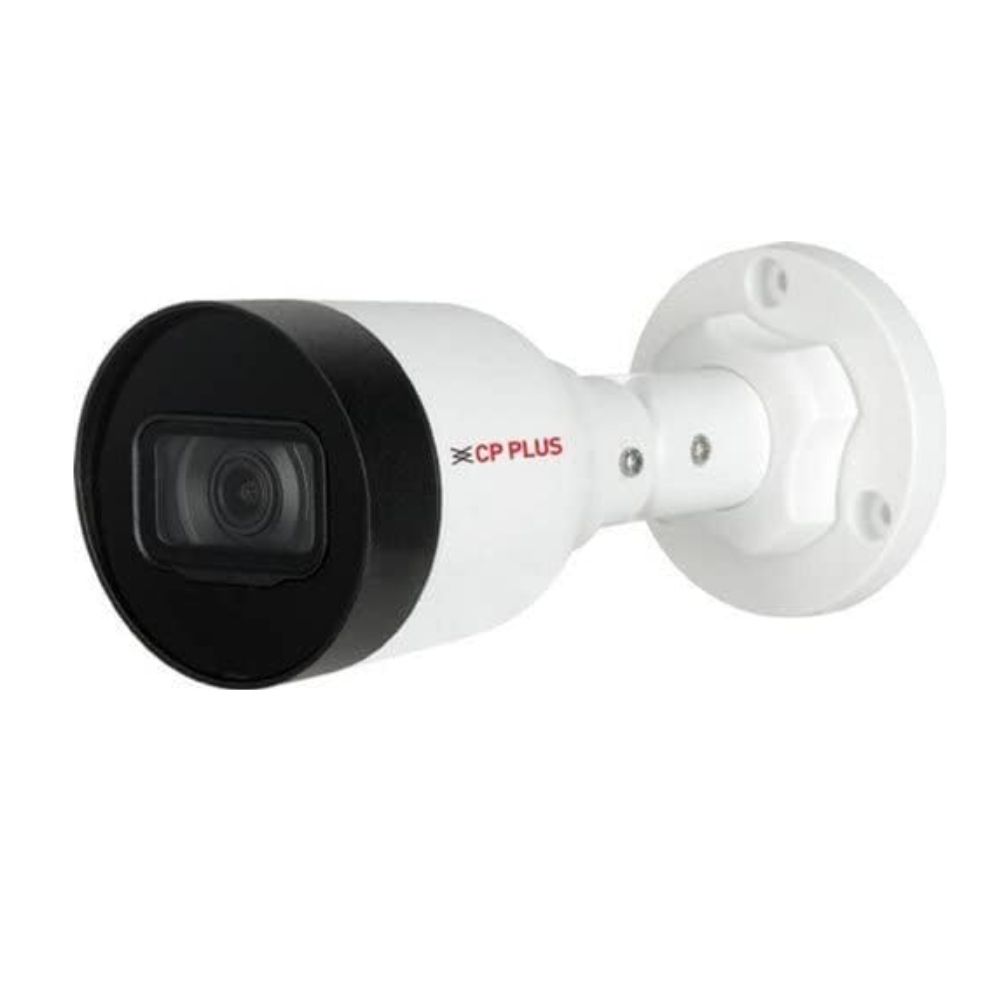
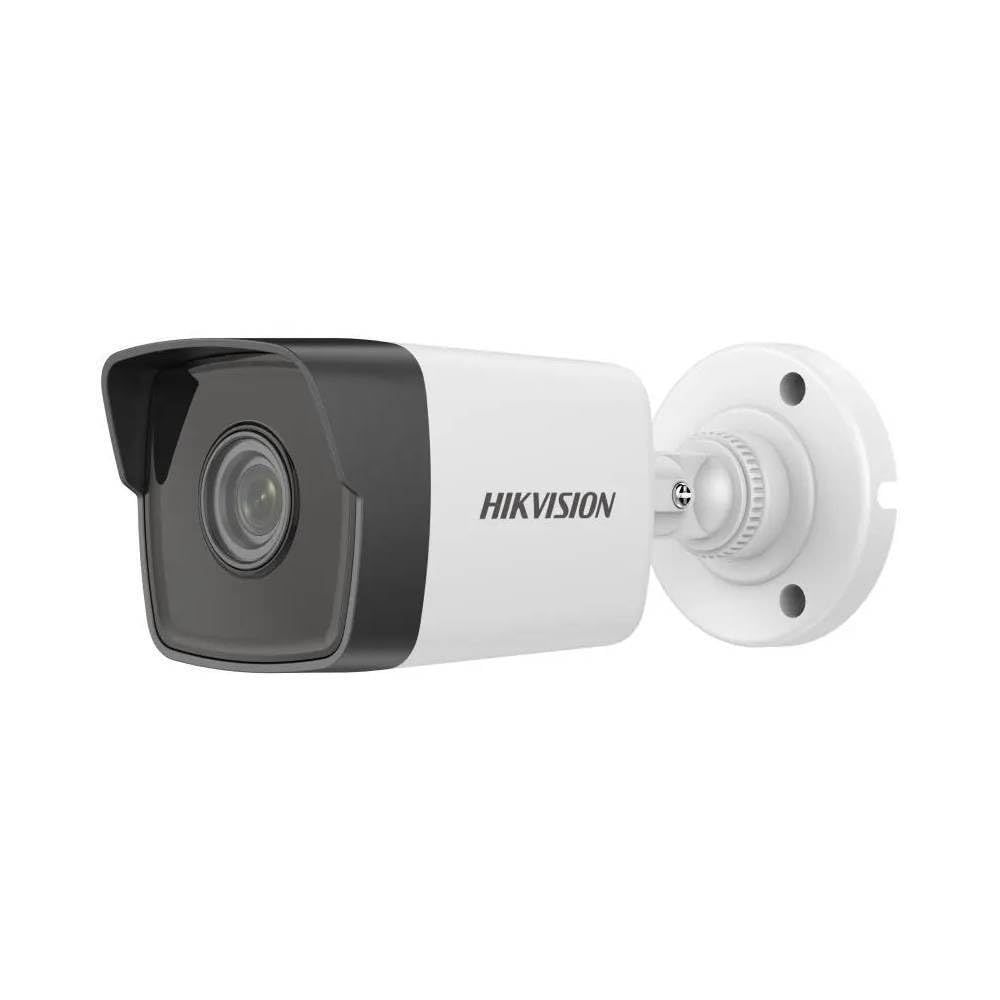
How many cameras, and where
Start from what has to be identifiable rather than from a camera count. Entrances, tills, stock areas and vehicle gates need enough resolution to recognise a face or a number plate. Corridors and open floors usually only need to show that something moved, and over-specifying them wastes both budget and disk.
Walk the site and mark each position with the question it has to answer. That list, not a package size, is what determines how many cameras you need and which type belongs at each point.
- Entrances and tills — identification, so higher resolution and a tighter field of view
- Corridors and open floors — detection is enough, wider coverage per camera
- Perimeters and gates — a visible camera also deters, and number plates need resolution
- Large yards and warehouse floors — one controllable camera can replace several fixed ones
- Positions where cable cannot reach — the constraint, not the preference, decides
Working out the PoE budget
PoE cameras draw power over the same cable that carries their data, so the switch has to supply enough for all of them at once. Two numbers matter: the per-port limit and the switch's total power budget. A switch can meet the per-port rating and still run out of total budget once every port is populated.
Standard PoE (802.3af) delivers 15.4 W at the switch port, about 12.95 W at the camera. PoE+ (802.3at) delivers 30 W at the port and roughly 25.5 W at the device. A fixed dome or bullet typically draws 4 to 8 W, more at night when infrared illumination switches on. PTZ models with motors and heaters need PoE+.
For sixteen fixed cameras at around 8 W peak each, budget roughly 128 W of draw, then add 20 to 25 per cent headroom for cable losses and night-time IR. A switch with a total PoE budget near 170 W or above covers it comfortably.
Recorder channels and storage
Choose the recorder by channel count with room to expand — a 16-channel NVR for a 12-camera site leaves space for the positions you discover after the first month of footage.
Storage follows a simple calculation: camera count, multiplied by bitrate, multiplied by hours of recording, multiplied by retention days. Higher resolution raises the bitrate and therefore the disk requirement, so 4MP everywhere is not automatically the right answer — resolution is worth spending where you need to identify a face or a number plate, not where you only need to see that something moved.
Motion-triggered recording extends retention substantially compared with continuous recording, at the cost of missing the seconds before a trigger unless pre-record is configured.
The cabling behind the cameras
An IP camera installation is a structured cabling job. Each camera needs a cable run back to the switch, within the same 90-metre limit as any other Ethernet link, terminated properly at both ends.
Quality Cat6 helps here beyond raw bandwidth: the larger conductor limits voltage drop on PoE runs and reduces heat build-up where cables are bundled together in a tray or conduit.
The switch, recorder and power distribution belong in a rack rather than on a shelf, with cable management that lets you trace a camera's link a year later.
Cat6 cable, jacks and patch cords · Racks, cable managers and PDUs
CCTV End-to-End: One Supplier for the Whole Chain
A surveillance system is a chain and it is only as good as its weakest link: Camera → Cabling → PoE → Network → NVR → Storage → Monitoring. Every stage has to be sized against the one before it, and a quote that covers only the first stage is not a quote for a working system.
This is the difference between a supplier and a reseller. A reseller sells you the camera. Because we have supplied structured cabling and networking in Chennai since 1998, we can specify all seven stages — which is why a camera quote from us arrives with the switch capacity, cable schedule, recorder channels and disk already worked out against it.
- Cameras chosen per position, not one model repeated across the site
- Cat6 cabling with every run inside the 90-metre permanent-link limit
- PoE switch sized on total power budget, with headroom for night-time infrared
- Network segmentation so a camera fault never reaches the office LAN
- Recorder channels with room to expand past the current camera count
- Surveillance-grade disk sized from the retention target, not the datasheet
- Remote viewing, user accounts and permissions configured at handover
- Installation, testing, certification and an annual maintenance contract behind it
CCTV cameras · PoE & network switches · Cat6 cable · Racks & cable managers
Supplying CCTV across Chennai
We supply cameras, PoE switches, cabling and rack infrastructure for CCTV installations across Chennai — for offices, IT companies, hospitals, factories, warehouses, retail and residential projects. Star Networking Services has supplied networking and security products since 1998, across more than 300 projects.
Send us a floor plan or a description of the site and the positions you want covered, and we will work out the camera mix, PoE switch capacity, recorder channels and storage as one specification.
CCTV Security Systems buying guides
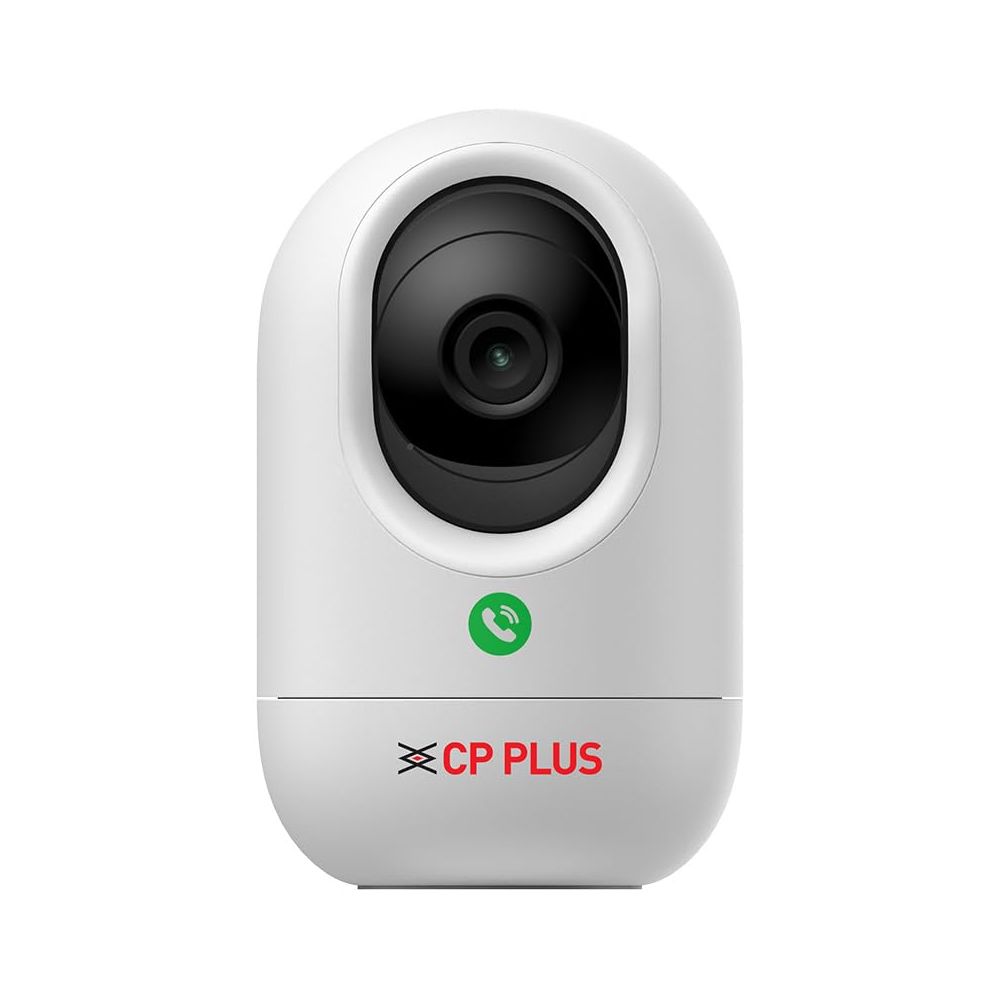
CCTV Storage: How Many Days of Footage Can You Keep?
Cameras multiplied by bitrate, hours and retention days. How to decide the retention target first, and why resolution affects disk more than it affects camera price.
Read guide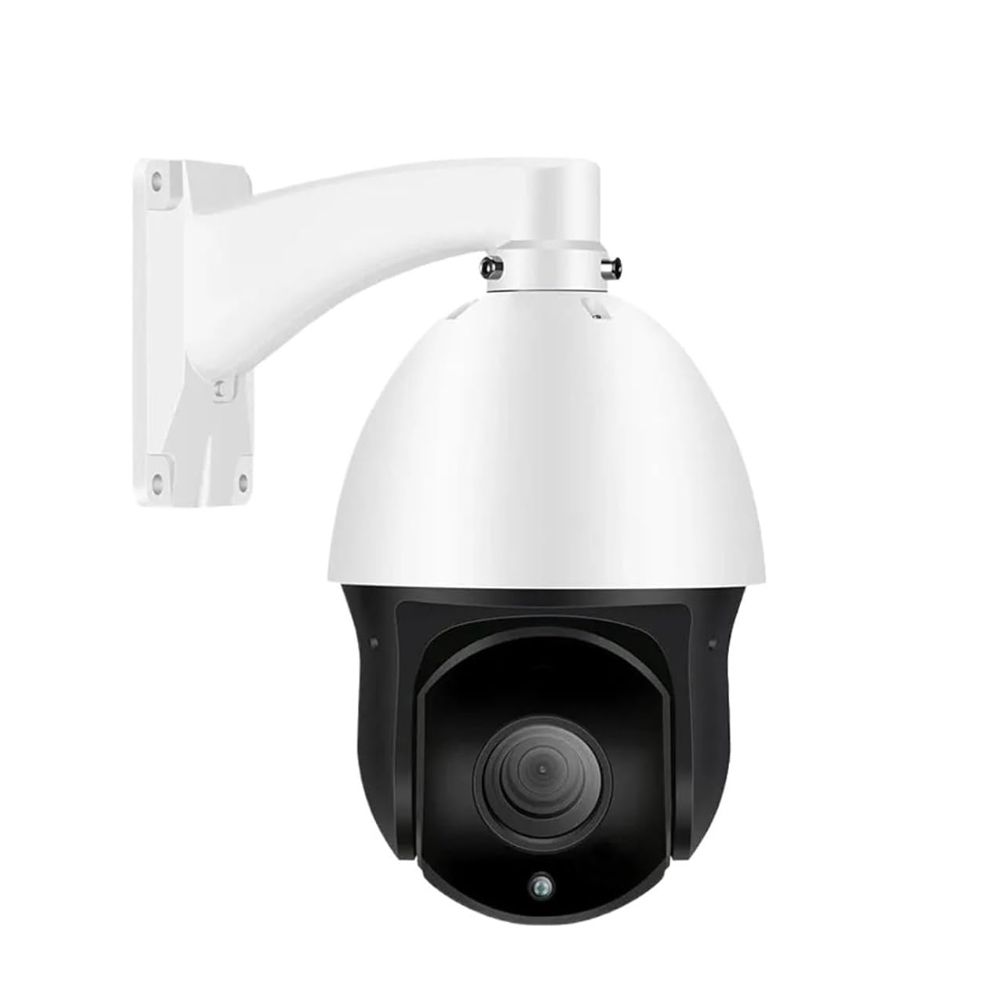
IP vs Analog CCTV: Which Should You Choose?
One question settles it for most sites: is coax already in the walls? What each needs at both ends, the hybrid case, and the honest cost comparison.
Read guide2MP vs 4MP vs 8MP: Which CCTV Resolution Do You Need?
Resolution is paid for twice — once on the camera and again on the disk, every day. Where the pixels earn their place, and where a second camera beats more megapixels.
Read guideHow Many CCTV Cameras Does My Shop or Office Need?
Area is the wrong starting point. Work from the questions the footage has to answer, position by position, and the count follows — along with the positions most sites miss.
Read guideCCTV Camera Price in Chennai: What Decides the Cost
Camera prices from Rs 3,100 to Rs 47,573 are only part of a CCTV quote. What the switch, recorder, disk, cabling and rack add, and why cameras are often under half the total.
Read guide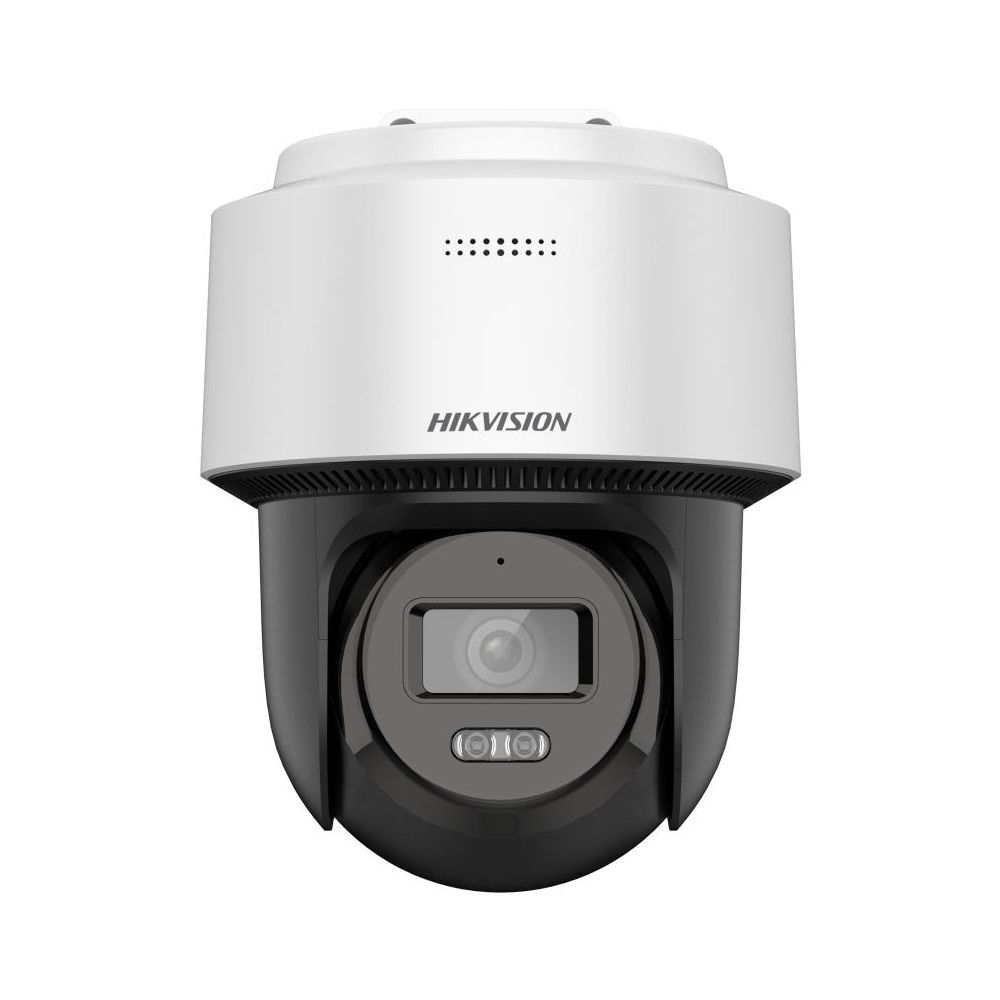
How to Calculate PoE Budget for 16 CCTV Cameras
Sizing a PoE switch on the per-port rating is why cameras drop offline at night. The full calculation for 16 cameras, from draw and cable loss to headroom, and the switch budget it points to.
Read guideFrequently Asked Questions
Do you provide end-to-end CCTV security setup in Chennai, not just cameras?
Yes — alongside camera supply, our team provides technical guidance on choosing and setting up the right IP, dome, bullet or PTZ camera mix for your site in Chennai.
Can you help with CCTV security for a warehouse or office, not just homes?
Yes, we supply and advise on CCTV setups scaled for homes, shops, offices and warehouses across Chennai.
What PoE switch do I need for 16 CCTV cameras?
Sixteen fixed dome or bullet cameras typically draw 4 to 8 W each, rising at night when infrared illumination turns on. Budget around 128 W and add 20 to 25 per cent headroom, so look for a switch with a total PoE budget near 170 W or above. Check the total budget, not just the per-port rating — a switch can meet the per-port figure and still run short once every port is used.
What is the difference between PoE and PoE+?
Standard PoE (802.3af) supplies 15.4 W at the switch port, about 12.95 W at the device. PoE+ (802.3at) supplies 30 W at the port and roughly 25.5 W at the device. Fixed cameras usually run on standard PoE; PTZ models with motors and heaters need PoE+.
How much storage do I need for my CCTV system?
Multiply camera count by bitrate by recording hours by retention days. Higher resolution raises the bitrate and the disk requirement, so use higher resolution where you need to identify a face or number plate and lower where you only need to see movement. Motion-triggered recording extends retention considerably.
How many cameras does my site need?
Work from what has to be identifiable rather than from a camera count. Entrances, tills, stock areas and vehicle gates need enough resolution to recognise a face or a number plate; corridors and open floors usually only need to show that something moved. Walk the site, note the question each position has to answer, and the count follows from that list.
How many recorder channels should I order?
Choose the NVR by channel count with room to expand — a 16-channel recorder for a 12-camera site leaves space for the positions you identify after the first month of footage. Adding channels later usually means replacing the recorder.
How far can a CCTV camera be from the switch?
An IP camera link follows the same Ethernet limit as any other — 90 metres of permanent cable, 100 metres of channel including patch cords. Beyond that you need a fiber run with a media converter, or a switch positioned closer to the cameras.
Do you supply the switches and cabling along with the cameras?
Yes. We supply PoE switches, Cat6 cable, jacks, patch cords, racks and PDUs alongside the cameras, so the whole installation comes from one supplier with one quote.