
A PoE switch quote lists two power numbers, and buying on the wrong one is how installations end up with cameras that reboot at night. This guide walks through the arithmetic for a sixteen-camera site, then gives you the method to apply to any camera count.
The two numbers that matter
Every PoE switch has a per-port limit and a total power budget. They are not the same thing, and the second one is what catches people out.
A 16-port switch might advertise 30 W per port. Sixteen ports at 30 W would be 480 W — but the switch's total budget may be only 150 W. Populate every port with a camera drawing 10 W and you need 160 W, which exceeds the budget even though no single port is anywhere near its 30 W limit.
When that happens the switch does not fail gracefully. It starts shedding power on lower-priority ports, and the symptom you see is cameras dropping offline in the evening — precisely when infrared illumination kicks in and every camera's draw rises at once.
PoE standards and what they actually deliver
There are three standards you will meet, and each specifies power at the switch port and a lower figure at the device, because some is lost in the cable.
- PoE — 802.3af: 15.4 W at the port, about 12.95 W at the device
- PoE+ — 802.3at: 30 W at the port, about 25.5 W at the device
- PoE++ — 802.3bt: 60 W (Type 3) or 90 W (Type 4) at the port
Always budget using the port figure, not the device figure. The switch has to supply the higher number; the difference is dissipated as heat in the cable.
What a camera actually draws
Datasheet figures are usually maximums. Real draw depends on what the camera is doing:
- Fixed dome or bullet, daytime: 4–6 W
- Same camera at night with IR on: 7–10 W
- Motorised varifocal: add 1–2 W during zoom
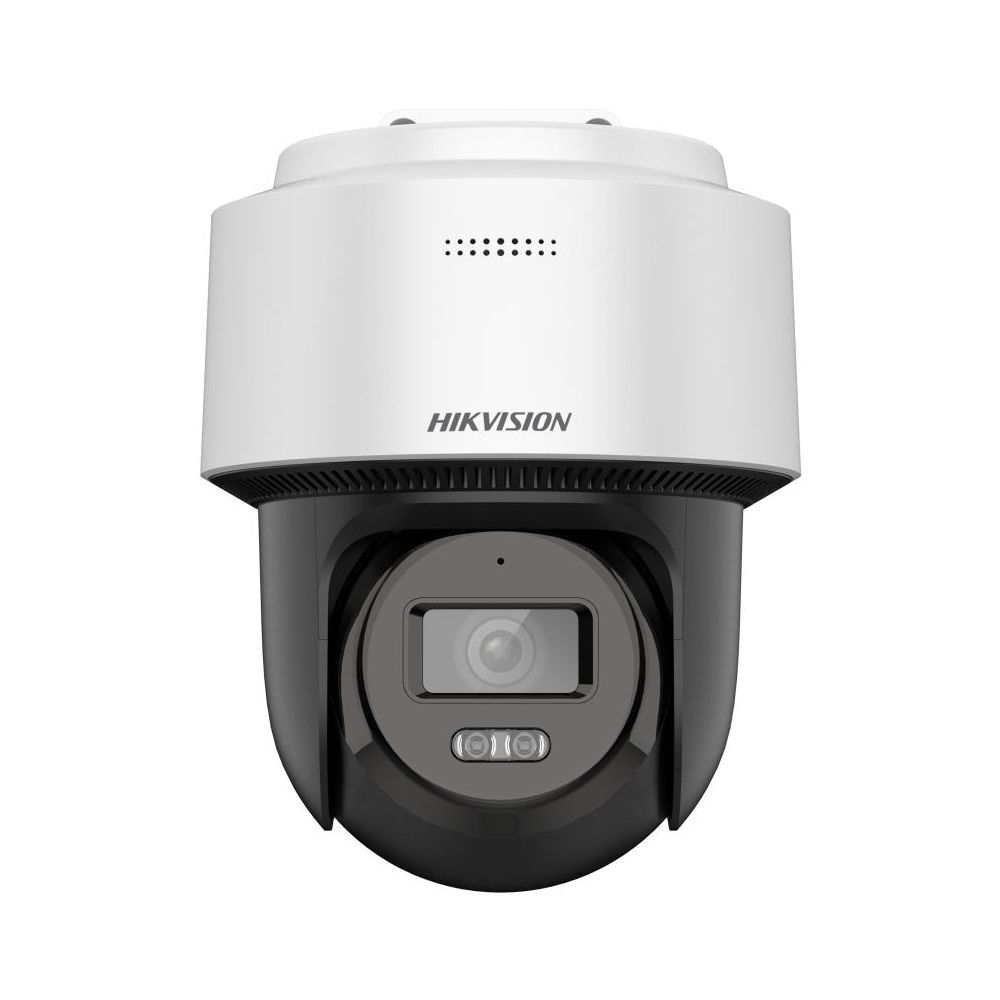
- PTZ: 20–30 W, needs PoE+
- Camera with built-in heater: 30 W or more, needs PoE+ or PoE++
Budget on the night figure. Daytime draw is the easy case, and a system sized for daylight is a system that fails after dark.
The calculation for 16 cameras
Take sixteen fixed IR bullet cameras — the most common configuration for an office, warehouse or retail site.
Step 1 — peak draw per camera. Night operation with IR active: 8 W.
Step 2 — total draw. 16 × 8 W = 128 W.
Step 3 — cable loss. Power dissipates over the run. On a 90-metre Cat6 link, allow around 10%. That takes 128 W to roughly 141 W.
Step 4 — headroom. Add 20% for a camera swapped for a higher-draw model later, or two positions added next year. That gives approximately 170 W.
So for sixteen fixed cameras, look for a switch with a total PoE budget of 170 W or above — not simply a switch with sixteen PoE ports.
Choosing the switch
Two sensible routes, depending on whether the site will grow:
- A 16-port gigabit PoE switch if sixteen is genuinely the final count and the total budget covers 170 W
- A 24-port PoE switch if you expect to add positions — the spare ports cost far less now than a second switch and a second uplink later
For smaller sites, a 4-port, 10-port or 12-port PoE switch follows the same arithmetic. Larger deployments running voice and CCTV on shared infrastructure are usually better served by a 48-port managed PoE switch, where VLANs let you separate camera traffic from everything else.
You can compare the full range on our network switches page.
Three mistakes worth avoiding
1. Sizing on the per-port rating
Covered above, and it is by far the most common error. Find the total budget on the datasheet before you compare prices.
2. Ignoring the uplink
Sixteen cameras at 4 Mbps each is 64 Mbps of continuous traffic to the recorder. A gigabit uplink handles that comfortably; a 100 Mbps uplink does not, once you add retrospective footage review over the same link.
3. Underspecifying the cable
PoE current generates heat in the conductor, and heat rises when cables are bundled tightly in a tray or conduit. Thin, low-grade cable increases both voltage drop and heat. Quality Cat6 cable with a full-size conductor is what keeps a PoE run stable at distance — see also our connectors and patch panels for the termination hardware.
A worked example for a different site
Twelve fixed cameras plus two PTZ units:
- 12 fixed × 8 W = 96 W
- 2 PTZ × 25 W = 50 W
- Subtotal: 146 W
- Cable loss ~10%: 161 W
- Headroom 20%: ~193 W
Note also that the two PTZ positions must land on PoE+ ports. A switch whose total budget is adequate but which only offers 802.3af on every port will not run them.
Do not forget the rack
The switch, the recorder and the power distribution belong in a cabinet rather than on a shelf. A closed rack with a PoE switch pushing 170 W will run warm, so plan airflow along with the space. Our racks, cable managers and PDUs cover the usual configurations, and a 9U wall-mount rack suits most sixteen-camera sites.
Tell us the site and we will size it
Send us your camera count, the model or resolution you are considering, and roughly how long the runs are. We will work out the PoE budget, the switch, the cable and the rack as one specification and quote it as a single list.
Star Networking Services has supplied networking and CCTV products in Chennai since 1998, across more than 300 projects for IT companies, hospitals, factories, offices, system integrators and contractors.
See our CCTV supply and setup page, browse cameras, or send your requirement for a quote.