
Most people approach this backwards — they ask how many cameras a shop or office of a certain size needs. Area is the wrong starting point. What decides the count is how many distinct questions you need the footage to answer, and that is a list you can write in one walk around the site.
Start with the question, not the room
Every camera position exists to answer something specific. Write the question down for each one:
- "Who came through the door?" — needs to identify a face
- "What happened at the till?" — needs to see hands and the cash drawer together
- "Which vehicle entered?" — needs to read a number plate
- "Did anyone go down that corridor?" — only needs to detect movement
- "Is stock being moved out of hours?" — needs coverage of the exit path, not the whole room
Two of those need resolution. Three do not. That distinction is what keeps both camera count and storage sensible.
Identification or detection
Identification positions — entrances, tills, gates, cash handling — need enough pixels on the subject to recognise a face or plate. Fewer cameras, tighter fields of view, higher resolution.
Detection positions — corridors, open floors, storerooms, car parks — only need to show that something moved and roughly where. Wider coverage per camera, lower resolution acceptable.
Over-specifying detection positions is the most common way a quote inflates without improving the system.
Rough starting points by site
These are starting points to react to, not answers. The walk-around list is what settles it.
- Small shop — entrance, till, stock area, and one covering the shop floor: 4
- Office floor — main entrance, reception, server room, and one per open area: 4 to 8
- Warehouse — each loading bay, the goods exit, aisles, plus a PTZ over the floor: 6 to 12
- Factory — gates, weighbridge, stores, plant areas, plus perimeter: 10 to 20
- Apartment or building — entrance, lobby, lift, basement, parking, terrace: 6 to 10
The positions people miss
Almost every site we quote misses at least one of these on the first pass:
- The camera that watches the recorder. If someone can reach the NVR unseen, the footage is not secure.
- Rear and service doors. Attention goes to the main entrance; the back door is how people actually come and go.
- The blind spot behind a shelf or column. Only visible when you walk it, never on a floor plan.
- The gate as well as the driveway — a plate needs a different angle from a vehicle.
What the count then determines
Once you have the number, three things follow from it:
The PoE switch. Port count for cameras plus growth, and a total power budget covering every camera at once. Sixteen fixed cameras need roughly 170 W of budget — see the full calculation and our PoE switch range.
The recorder. Channels above camera count, and disk sized from your retention target rather than a default.
The cabling. One run per camera inside 90 metres, plus jacks, patch panel ports and cords. See our Cat6 range and racks.
Choose the camera type per position
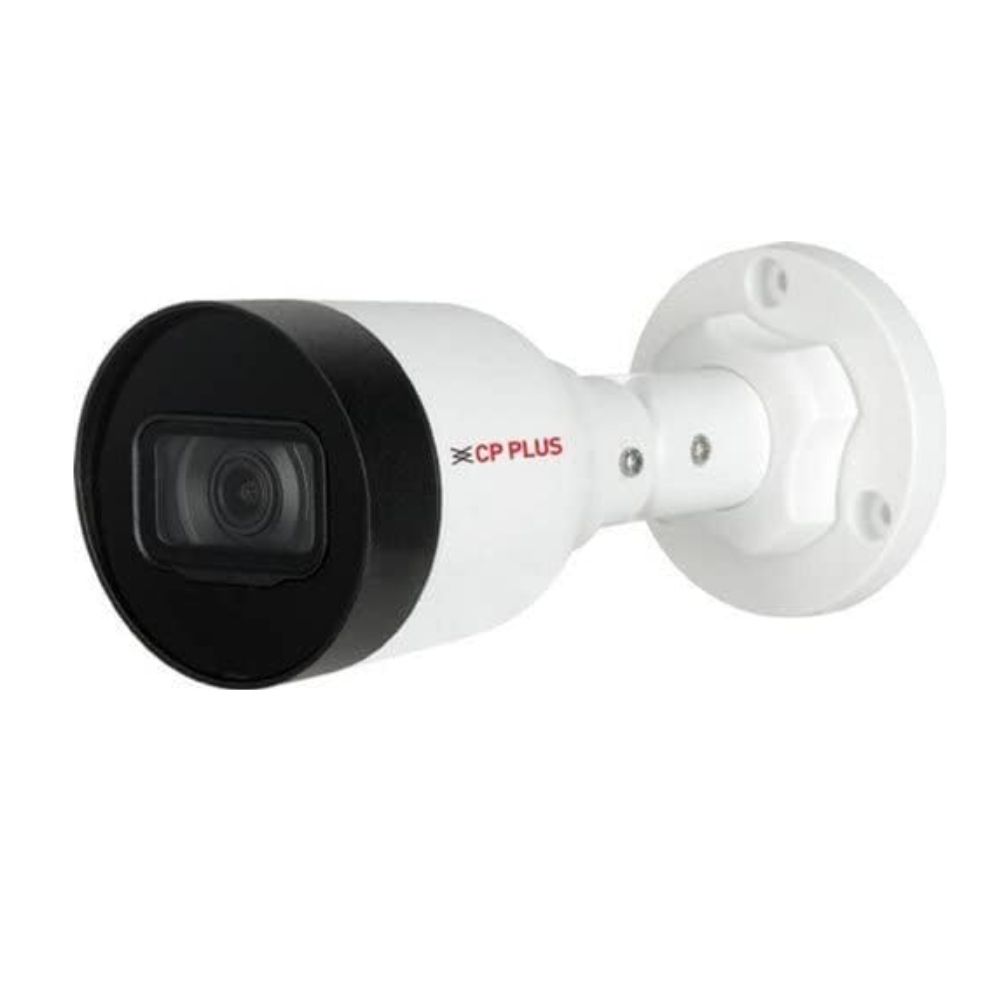
Dome for discreet indoor ceilings, bullet where a visible camera also deters, PTZ where one controllable camera replaces several fixed ones, Wi-Fi or 4G where cable genuinely cannot reach. Our CCTV camera range covers each type, and the installation guide works through placement.
Send us the list
Walk the site, write the question for each position, and send us that list — it is more useful than a floor plan. We will work out the camera mix, switch, recorder and cabling as one specification.
Star Networking Services has supplied networking and security products in Chennai since 1998, across more than 300 projects for IT companies, hospitals, factories, offices, retail and contractors.