

Network Switch Supplier in Chennai — Gigabit & PoE
12 products available
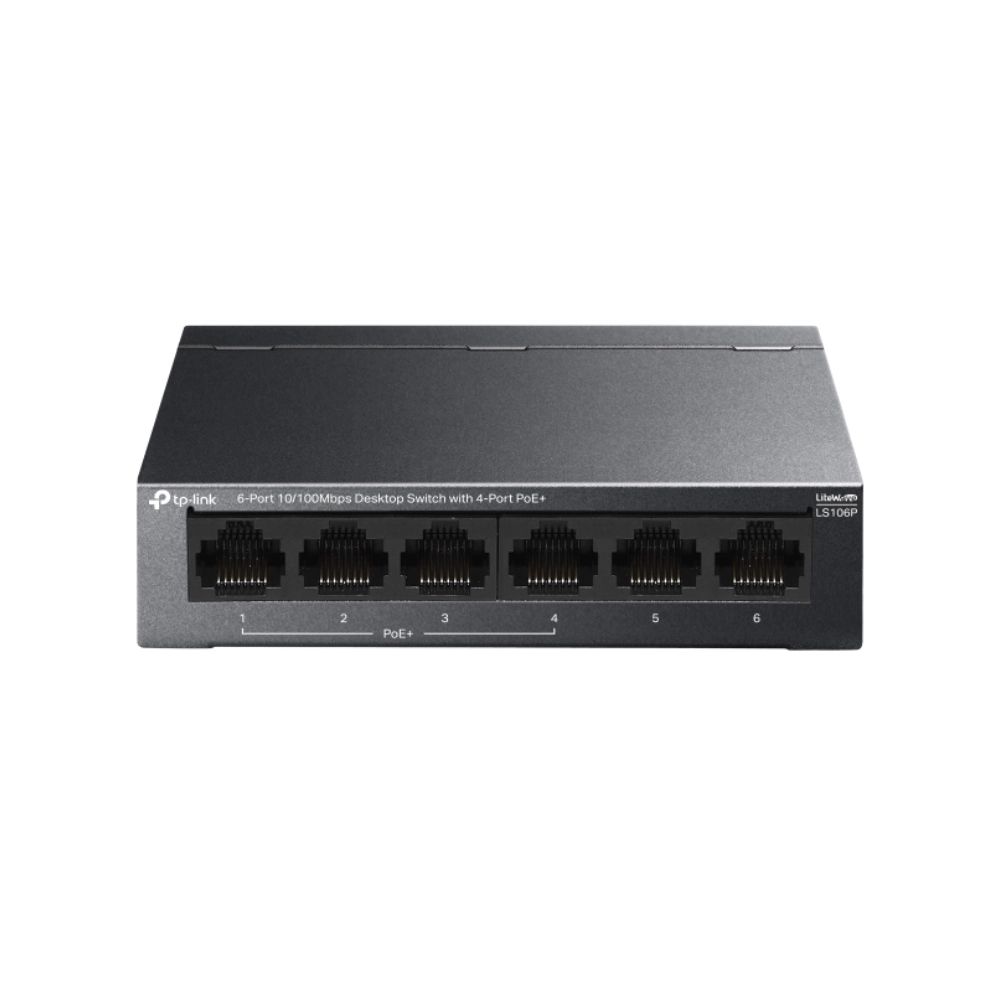
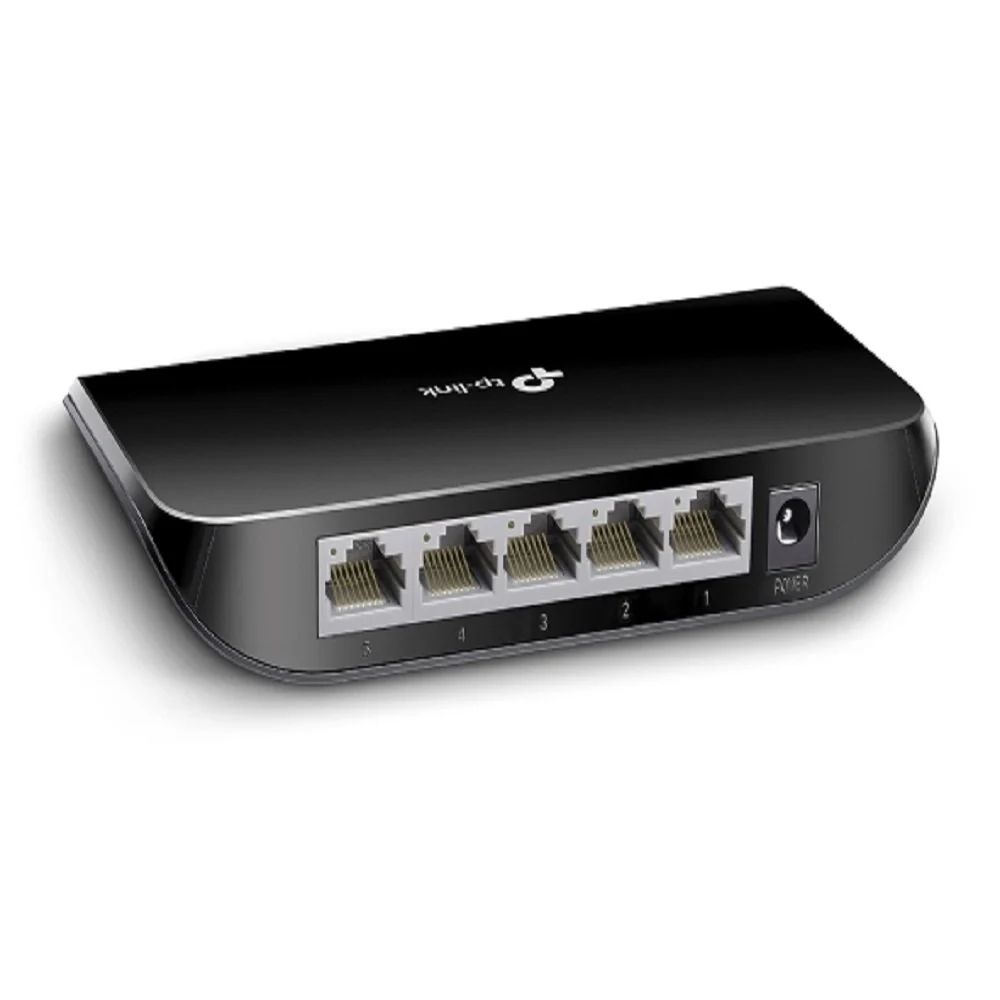
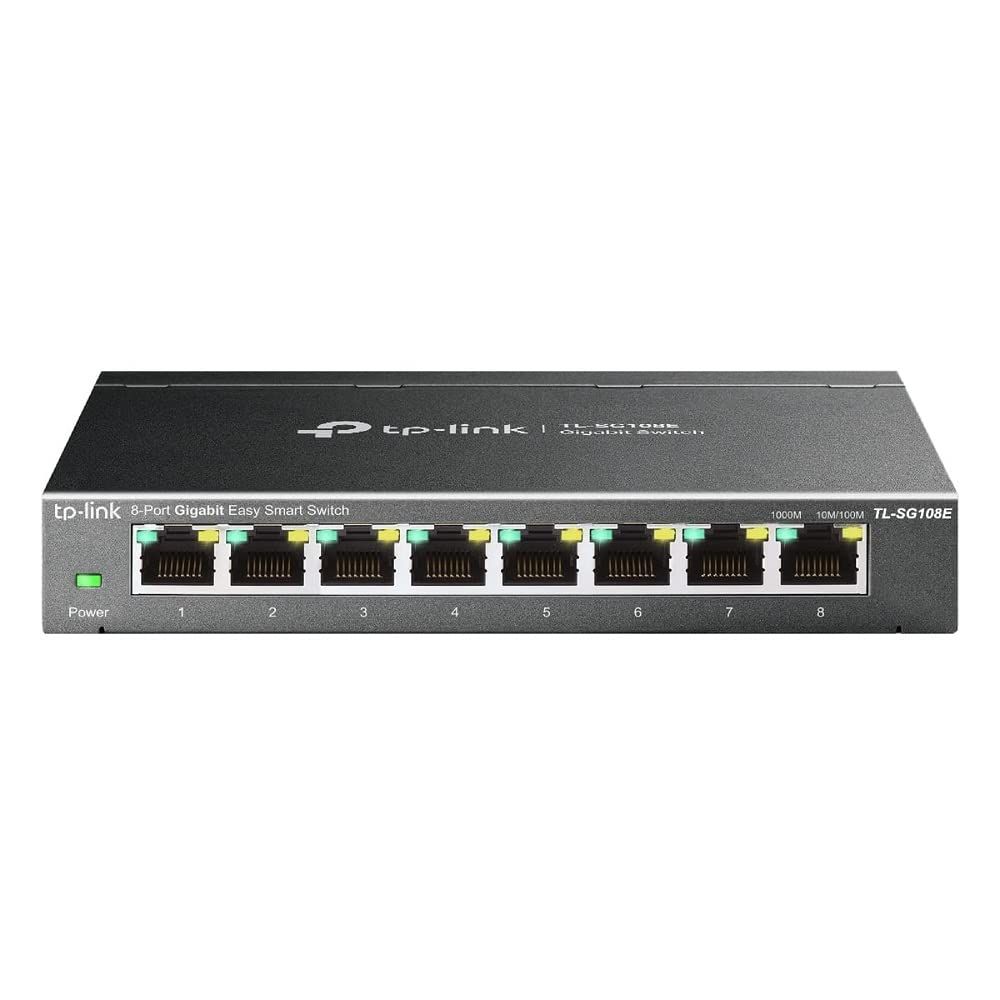
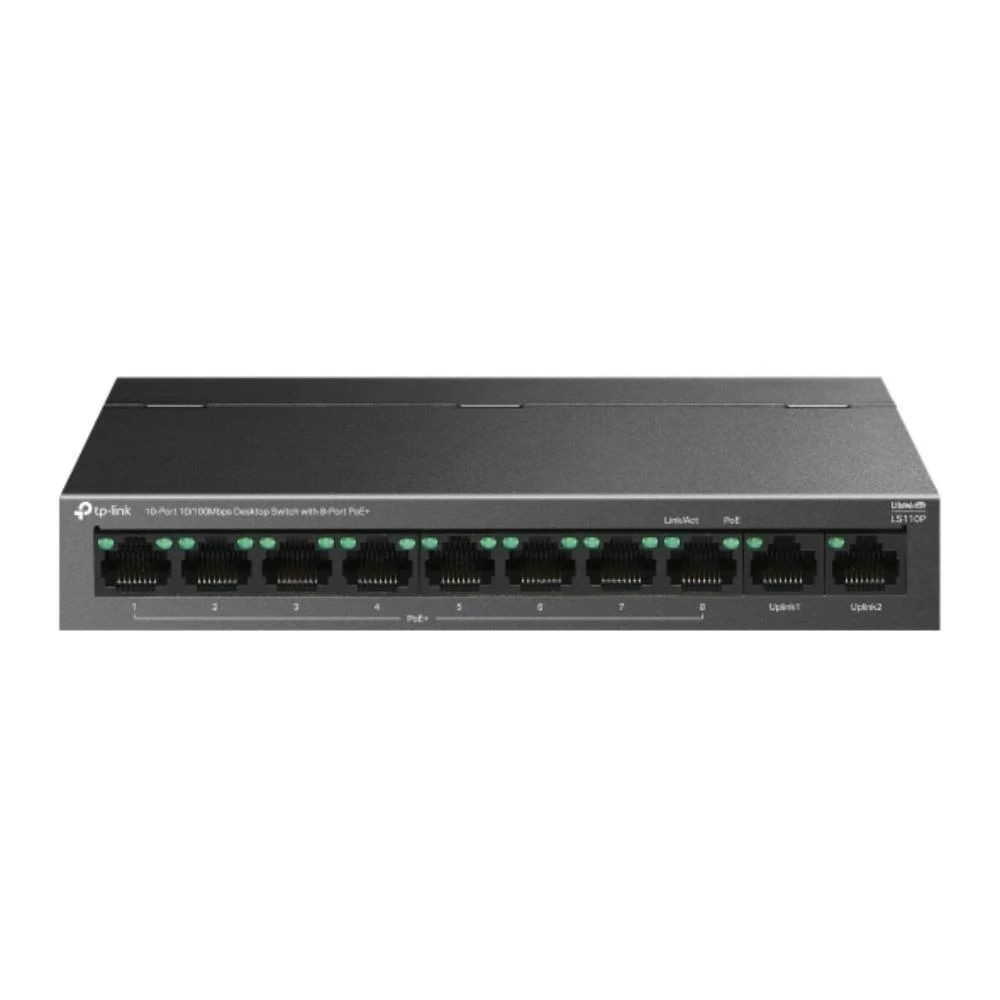
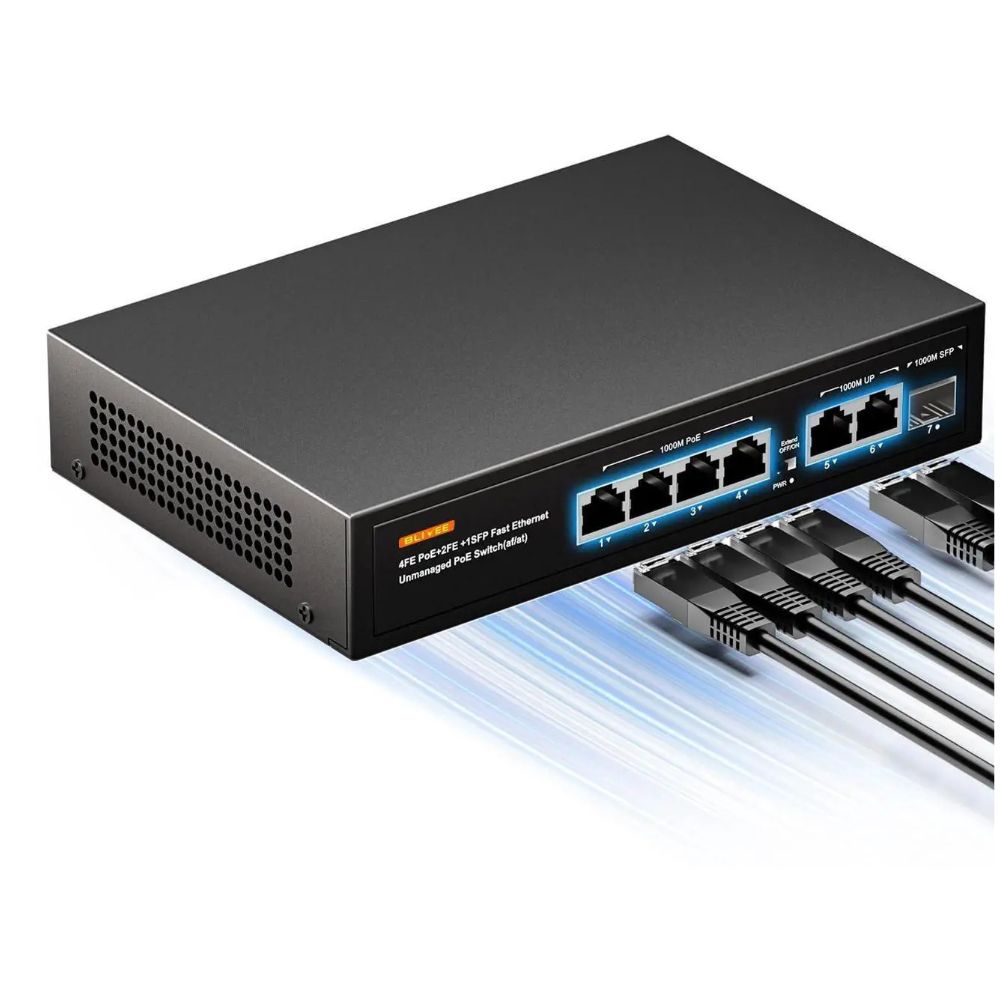
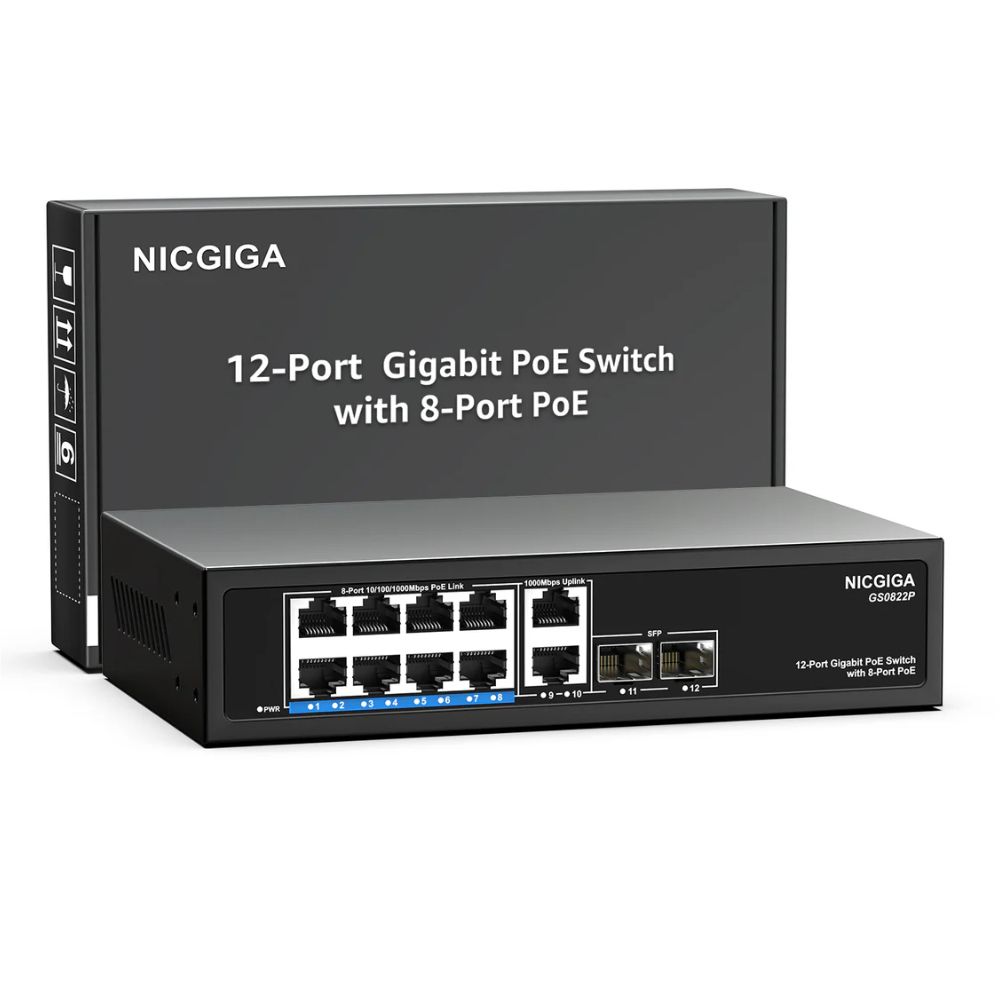
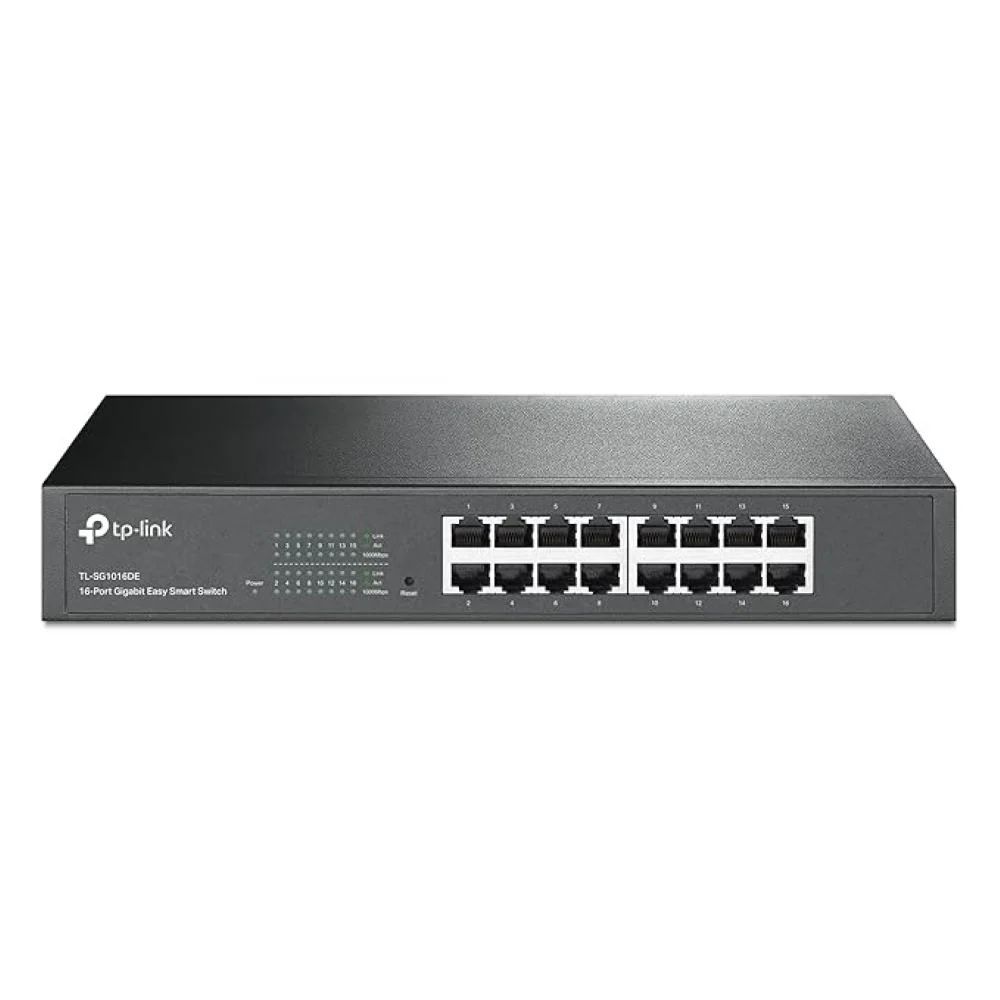
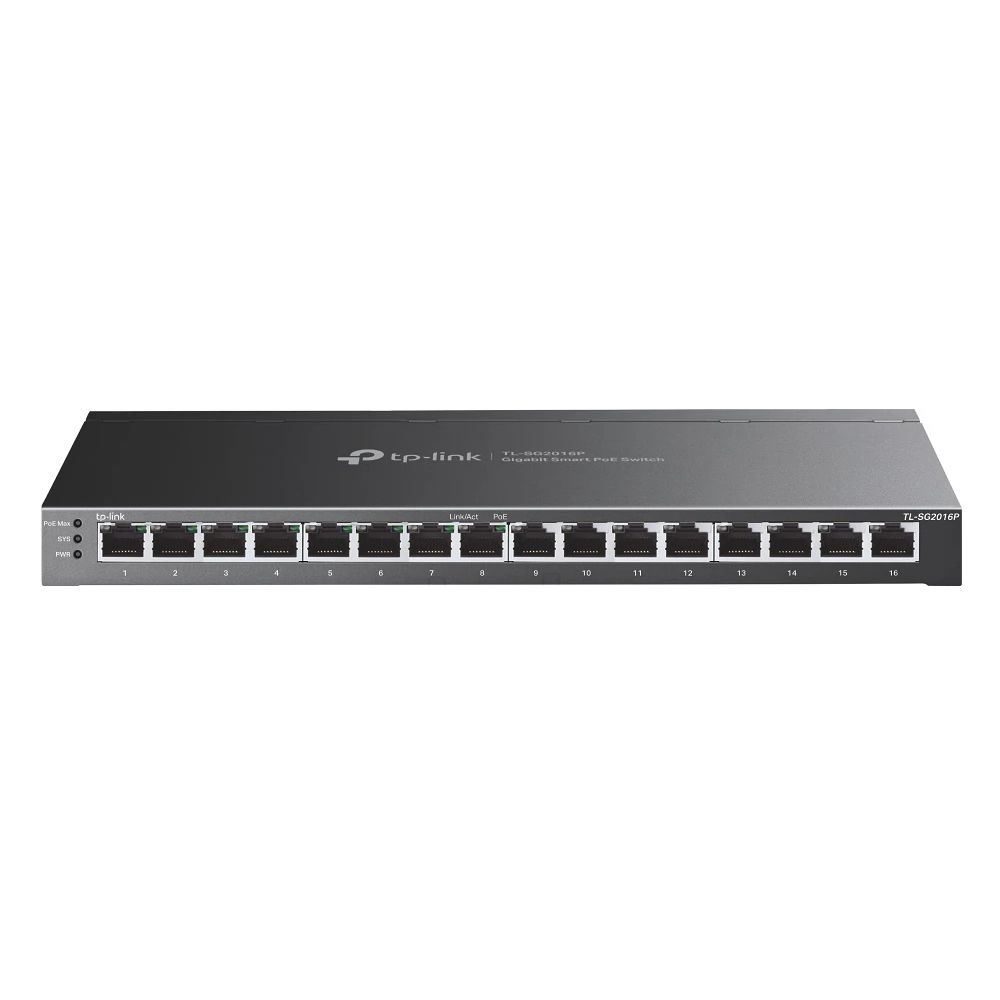
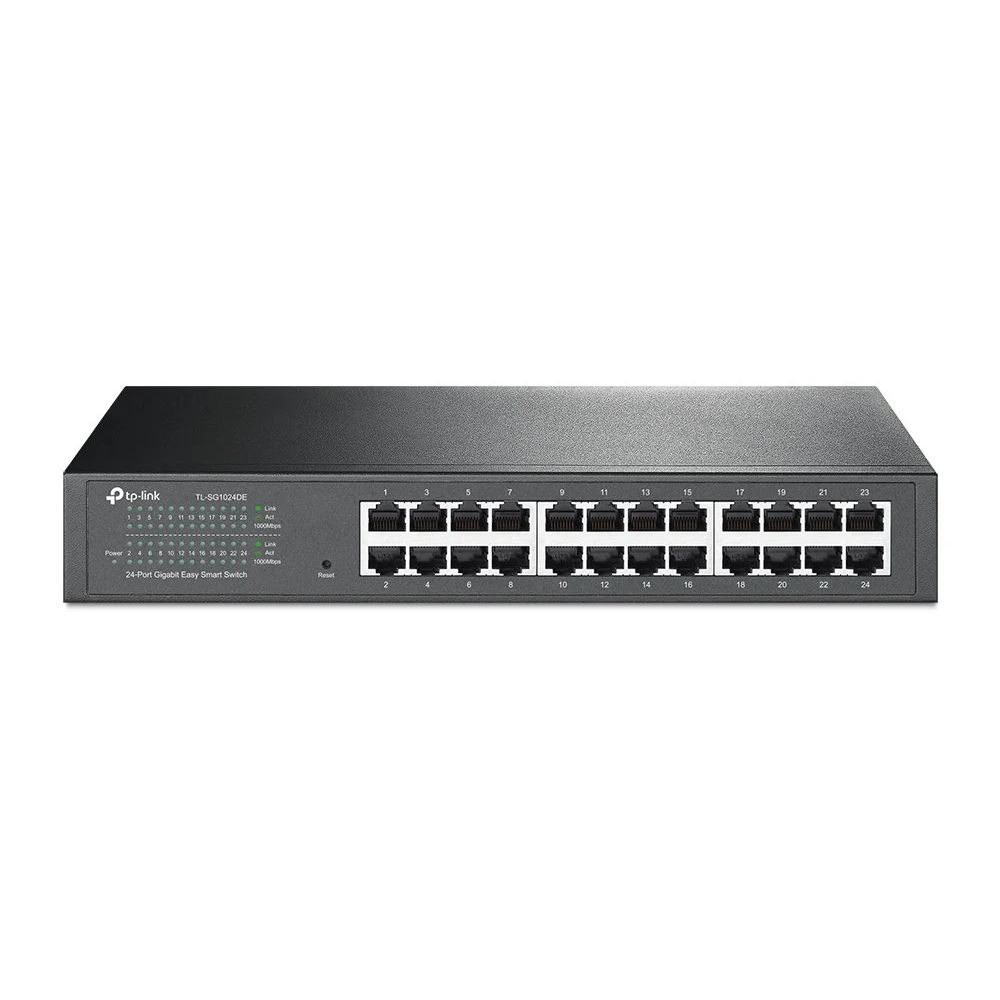
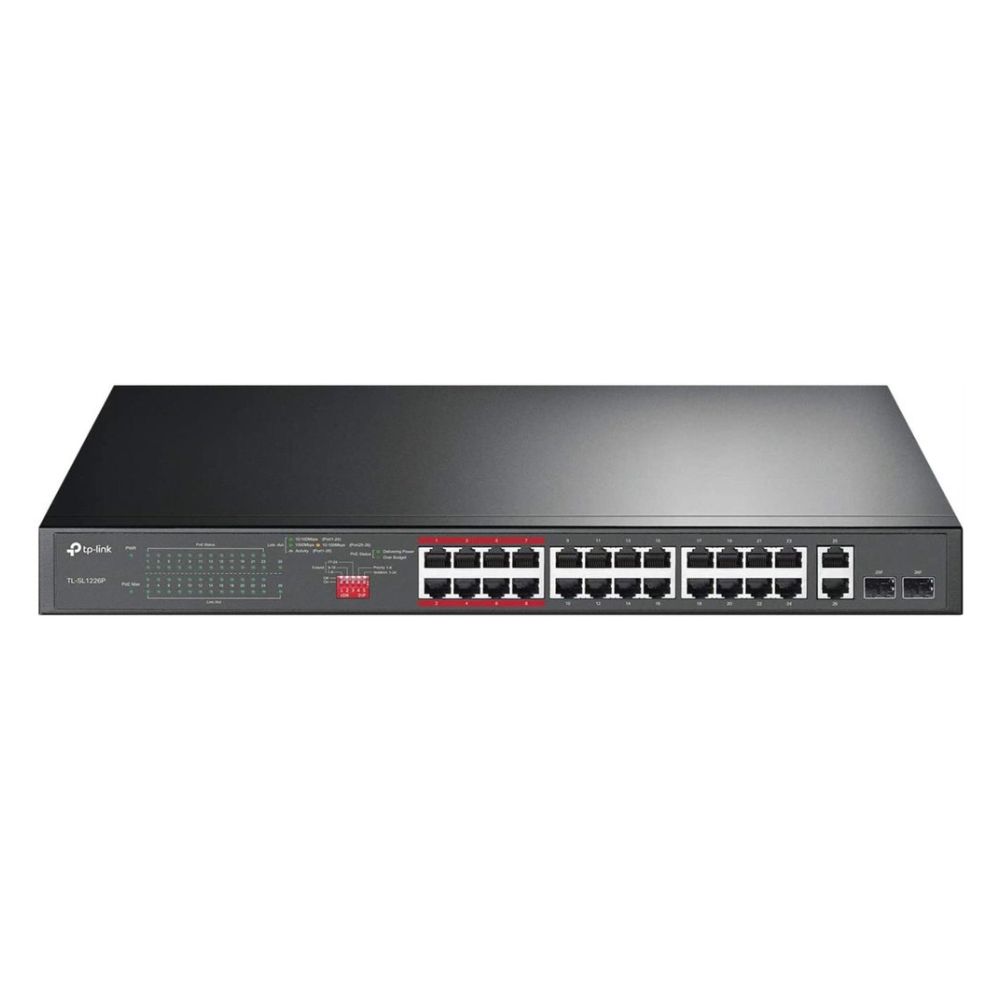
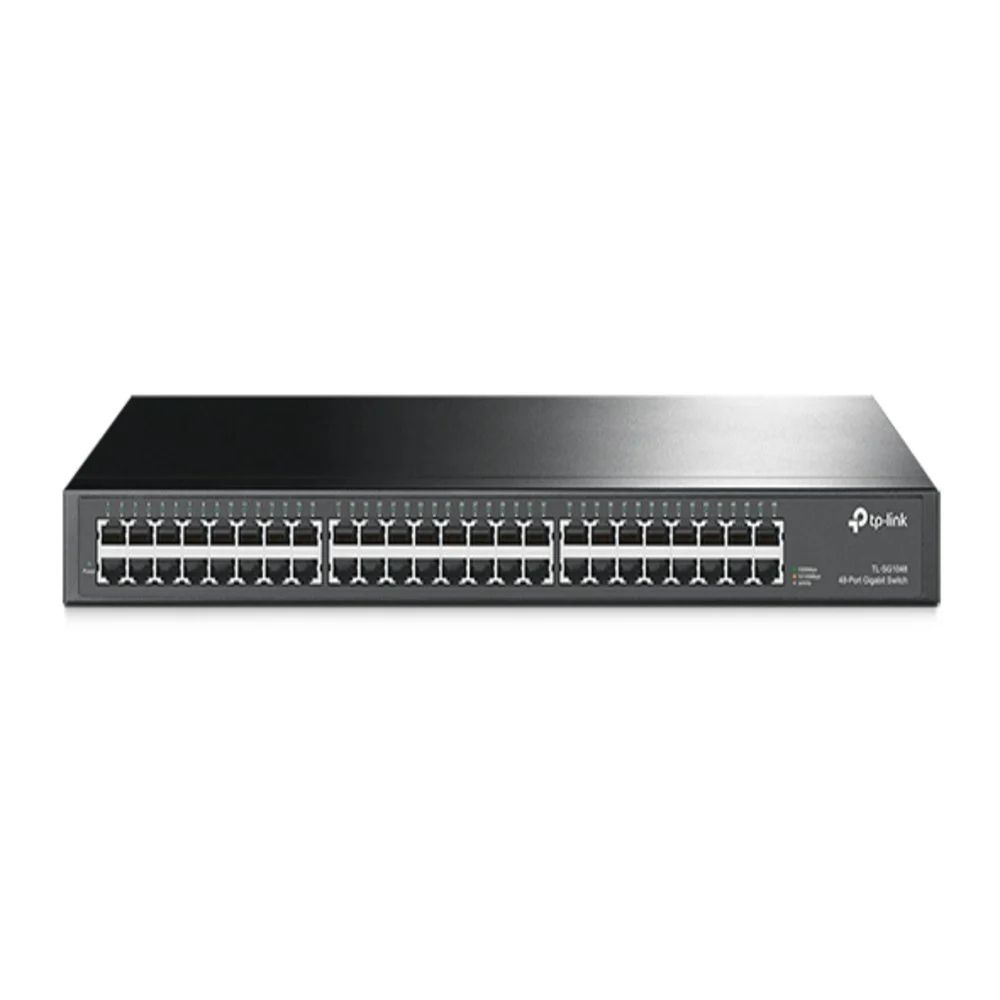
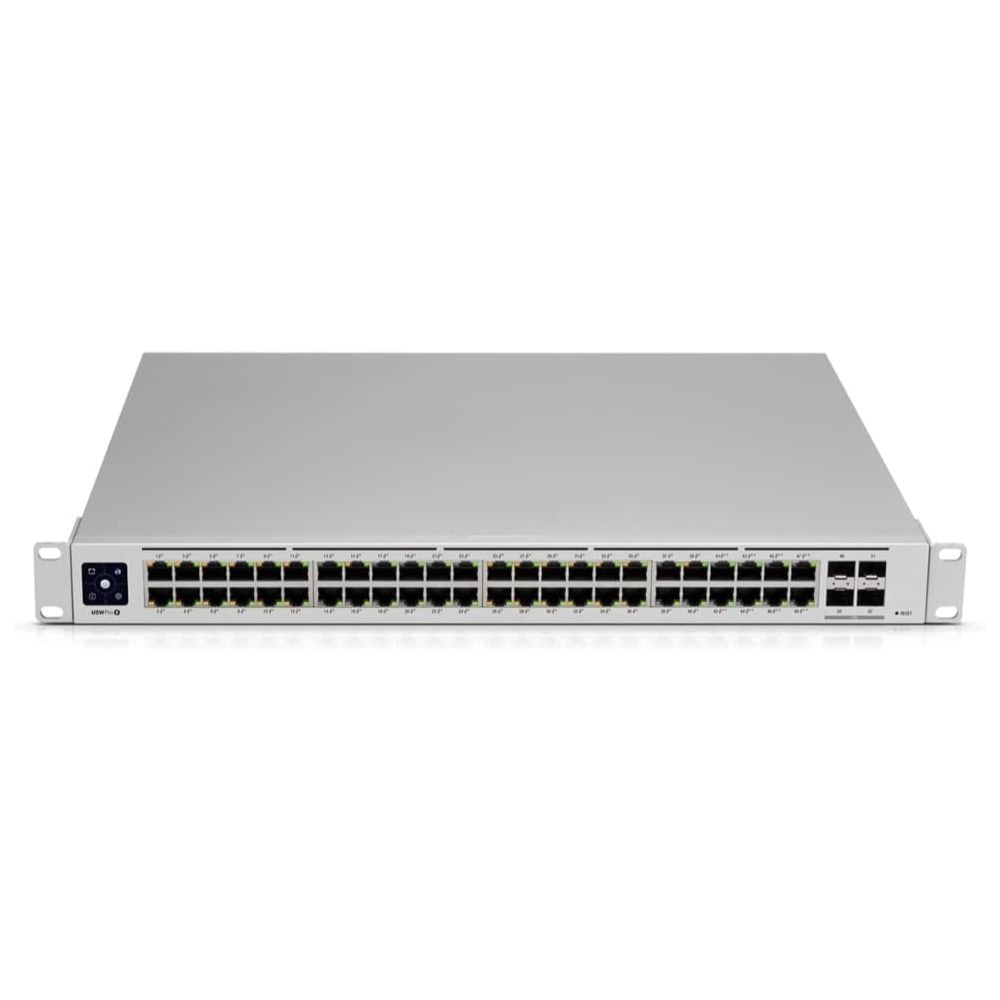
Star Networking Services is a Chennai-based network switch supplier stocking Gigabit, PoE, PoE+, unmanaged, easy smart managed and fully managed switches from TP-Link, Ubiquiti and NICGIGA — from a 5-port desktop unit to a 48-port PoE+ rackmount. Established in 1998, we bring 27+ years of experience in networking and structured cabling, and we install, test and maintain what we supply, with 24×7 technical support and annual maintenance contracts behind it. A switch is only right if it can power everything plugged into it on the worst night of the year, which is why we quote the port count, the PoE budget and the cabling as one specification rather than three.
Switches buying guides
Gigabit or Fast Ethernet: Where the Extra Speed Is Worth Paying For
Gigabit is the default and usually right, but not everywhere. Where 100 Mbps is genuinely sufficient, where gigabit changes something, and why the uplink matters more than the access ports.
Read guidePoE, PoE+ and PoE++: Which One Do Your Devices Need?
The three power standards, what each delivers at the port and at the device, which equipment needs which — and the PTZ camera mistake that costs a site an extra switch.
Read guideWhy Do My CCTV Cameras Go Offline at Night?
Cameras drop in the evening, come back by morning, and nobody can reproduce it during the day. Nine times out of ten it is the PoE budget, and the reason it only happens after dark is infrared.
Read guideHow Many Switch Ports Do I Need? Sizing It Properly the First Time
Offices consistently under-count. A walk through everything that plugs in, how much expansion headroom to leave, and why adding a second switch later costs more than buying one size up today.
Read guideManaged or Unmanaged Switch: Which Does Your Office Actually Need?
The most common question we get asked, answered by what you will actually configure rather than by the feature list. Where unmanaged is the right answer, where easy smart earns its money, and the one situation that settles it.
Read guide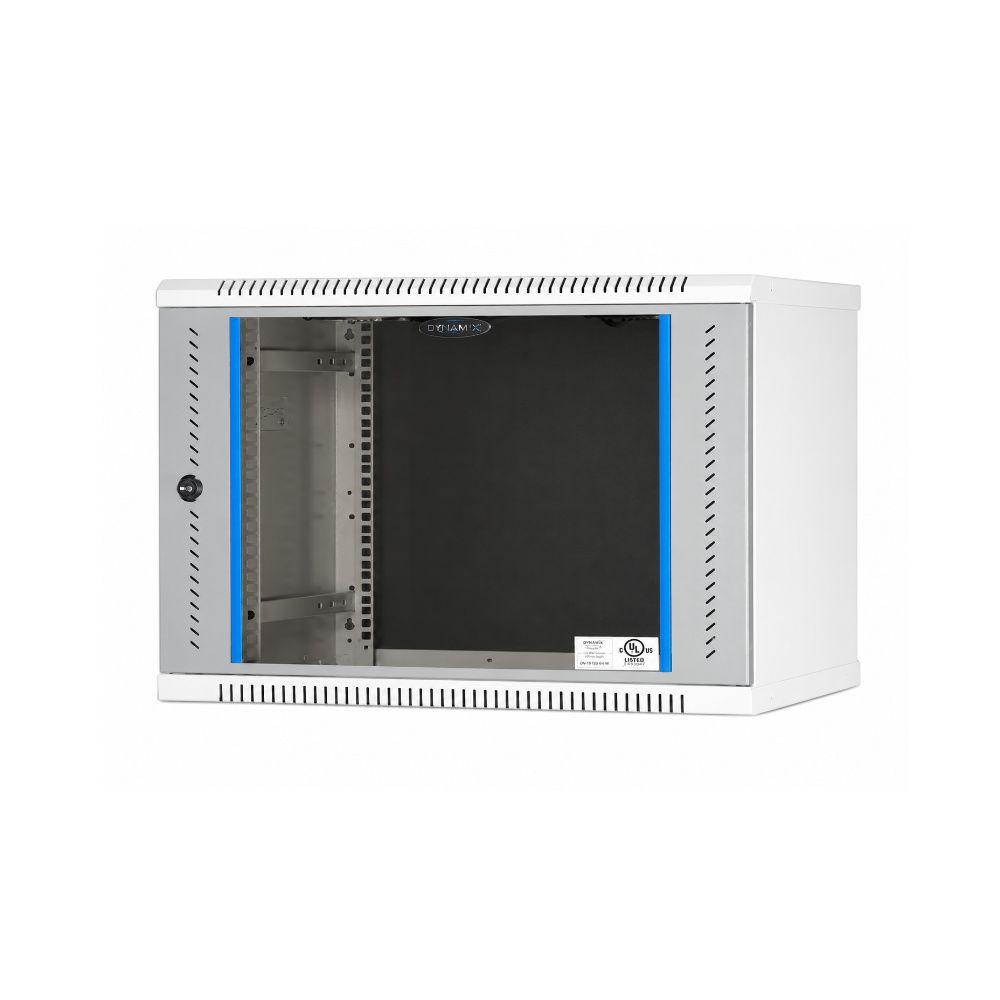
Network Rack Size Guide: 6U, 9U or Floor-Standing?
How rack units are measured, how to work out the size you need, and the two dimensions people forget: depth and ventilation.
Read guideFrequently Asked Questions
Which is the best network switch supplier in Chennai?
Judge it on whether the supplier sizes the PoE budget rather than just the port count, and whether they can quote the cabling, patching and rack alongside the switch. Star Networking Services has supplied and installed networking in Chennai since 1998, 27+ years, across more than 300 projects, stocking TP-Link, Ubiquiti and NICGIGA with bulk pricing, GST invoicing, annual maintenance contracts and 24×7 technical support.
What is the best PoE switch price in Chennai?
It depends on the power budget far more than the port count. Our range runs from around Rs 1,396 for a 4-port PoE switch with a 65 W budget to Rs 59,484 for a 48-port UniFi managed PoE+ switch, with most quotes landing between Rs 4,000 and Rs 22,000. Send the number of powered devices and their draw and we will quote against that rather than a port count.
How do I work out the PoE budget I need?
Add up the draw of every powered device, add roughly 10% for cable loss, then add 20% headroom. A fixed 4MP camera draws 4 to 8 W and more at night with infrared on, so sixteen of them need around 128 W of draw and a switch with a total budget near 170 W. Size on the total budget figure, not the per-port rating.
What is the difference between PoE and PoE+?
Standard PoE (802.3af) supplies 15.4 W at the switch port, about 12.95 W at the device. PoE+ (802.3at) supplies 30 W at the port and roughly 25.5 W at the device. Fixed cameras and most access points run on standard PoE; PTZ cameras with motors and heaters need PoE+.
Do I need a managed or unmanaged switch?
Unmanaged if everything sits on one flat network and nobody will configure it. Easy smart managed if you need to separate CCTV or guest traffic from staff traffic — that is most offices. Fully managed if a network team already runs a controller and needs VLAN routing and link aggregation. Buying more management than anyone will configure is money spent on a console nobody opens.
Do you supply Gigabit and SFP modules with the switch?
We can source SFP and gigabit modules to match your switch's uplink ports — send the switch model and we will confirm compatibility and pricing. Where a run exceeds the copper distance limit, fiber with a media converter or an SFP uplink is the alternative to moving the switch closer.
How many ports should I buy?
Count what plugs in today and add growth. A switch filled to the last port has no room for the position you identify a month later, and adding a second switch means another uplink, another power outlet and another point of failure. Going one size up at purchase is almost always cheaper than adding a switch later.
How far can a device be from the switch?
90 metres of permanent cable, 100 metres of channel including patch cords — the same limit for any Ethernet link, powered or not. Beyond that you need a fiber run with a media converter, an SFP uplink, or a switch positioned closer. Some PoE models offer an extend mode reaching 250 m at 10 Mbps, which suits long camera runs.
Which network switch brands do you supply in Chennai?
We stock TP-Link, Ubiquiti and NICGIGA, covering unmanaged, easy smart managed and fully managed switches from 5 to 48 ports, with PoE and PoE+ options across the range. We supply genuine product with manufacturer warranty terms and do not substitute brands without telling you.
Do you supply the cabling, patch panels and rack along with the switch?
Yes. We supply Cat6 cable, keystone jacks, patch panels, patch cords, racks, cable managers and PDUs alongside the switch, so the whole installation comes from one supplier on one quote. Our team also supports product selection, specification and configuration.
Do you provide switch installation and maintenance?
Yes to both. Alongside supply we carry out rack mounting, patching, VLAN and PoE configuration, uplink and fiber termination, link testing and certification. After handover we offer annual maintenance contracts covering switch health checks, firmware, PoE budget verification and port diagnostics, backed by 24×7 emergency restoration.
Can I get a managed switch for VLAN and QoS setup?
Yes — our easy smart managed and fully managed options support VLAN, QoS and link aggregation for business networks. Easy smart managed covers what most offices actually need; fully managed suits sites already running a controller.
Do you supply switches in bulk for projects?
Yes. Share your BOQ, quantity, preferred brand and model numbers, and we will quote line by line with availability. Bulk orders carry volume pricing and GST invoicing, and can be despatched in phases against a project schedule.