
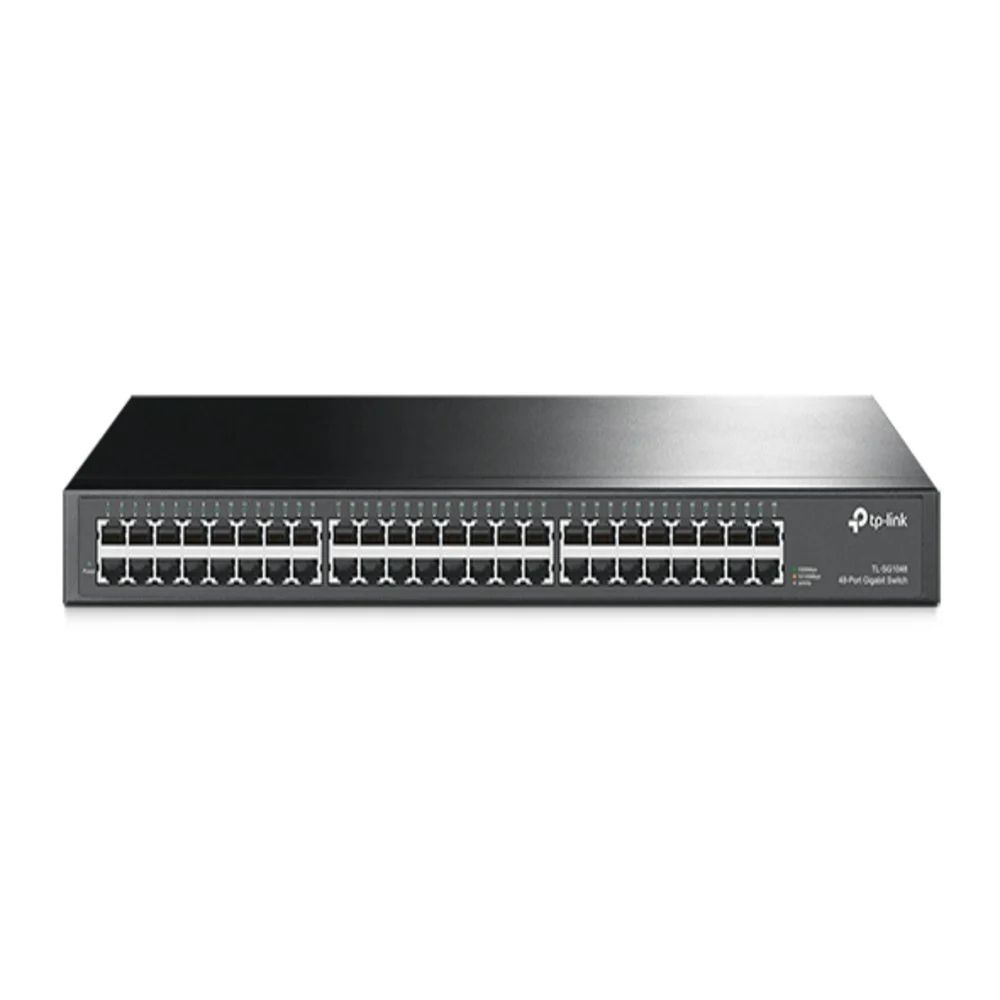
Almost every office we quote initially asks for fewer ports than it needs. Not by a little — usually by a third. The count comes from thinking about desks, and then everything that is not a desk turns up on installation day.
Count everything, not just the computers
Walk the floor and list every device that will take a cable:
- Desktop computers and docked laptops
- Network printers and copiers
- Wireless access points — one per 100 to 150 sq m of open floor, more through walls
- IP phones, if they are not daisy-chained through the desk PC
- CCTV cameras, each on its own run
- NVR or DVR
- Conference room displays, video bars and room controllers
- Access control panels and biometric readers
- The uplink to the router or the next switch — this port is not available to devices
That last line is the one most often forgotten. A 24-port switch feeding a floor has 23 usable ports, not 24.
How much headroom to leave
Leave 20 to 30 per cent free at handover. On a 24-port switch that is five or six spare ports, which sounds generous until the first month passes and someone adds a camera at the back gate, a printer in accounts and an access point in the meeting room nobody uses for meetings.
The arithmetic is worth doing plainly. If you count 20 devices, buy 24 ports, not 24 devices' worth. If you count 30, the answer is a 48-port switch rather than two 24s.
Why two switches cost more than one bigger switch
Adding a second switch later is not just the price of the switch:
- It consumes a port on the first switch for the uplink, and one on itself
- It needs a power outlet in the rack, and rack units
- Traffic between the two switches now crosses a single link — a bottleneck that did not exist
- It is another device to configure, monitor and eventually replace
- If it is PoE, it needs its own power budget rather than sharing the first switch's
Going one size up at purchase almost always costs less than any of that.
When splitting is right anyway
Distance decides this more than port count. A permanent link is limited to 90 metres of cable, 100 metres including patch cords. If part of your site sits beyond that, a second switch positioned closer is not a compromise — it is the correct design, and the alternative is a fiber run.
Warehouses and factories usually end up this way: a small switch near each cluster of devices, linked back on fiber or a long copper run, rather than one large switch at the office with impossible cable lengths.
Separate the powered ports from the rest
Once you have the count, split it into ports that carry power and ports that do not. Only the powered ones consume PoE budget, and the budget is what actually decides which model you buy. Sixteen cameras and thirty computers is not a 48-port PoE requirement — it is a 48-port switch where sixteen ports need power.
We work through that calculation in the PoE budget guide.
Our range runs from 5 to 48 ports across unmanaged, easy smart managed and PoE models — see the network switch page, or send the device list and we will size it with you.