
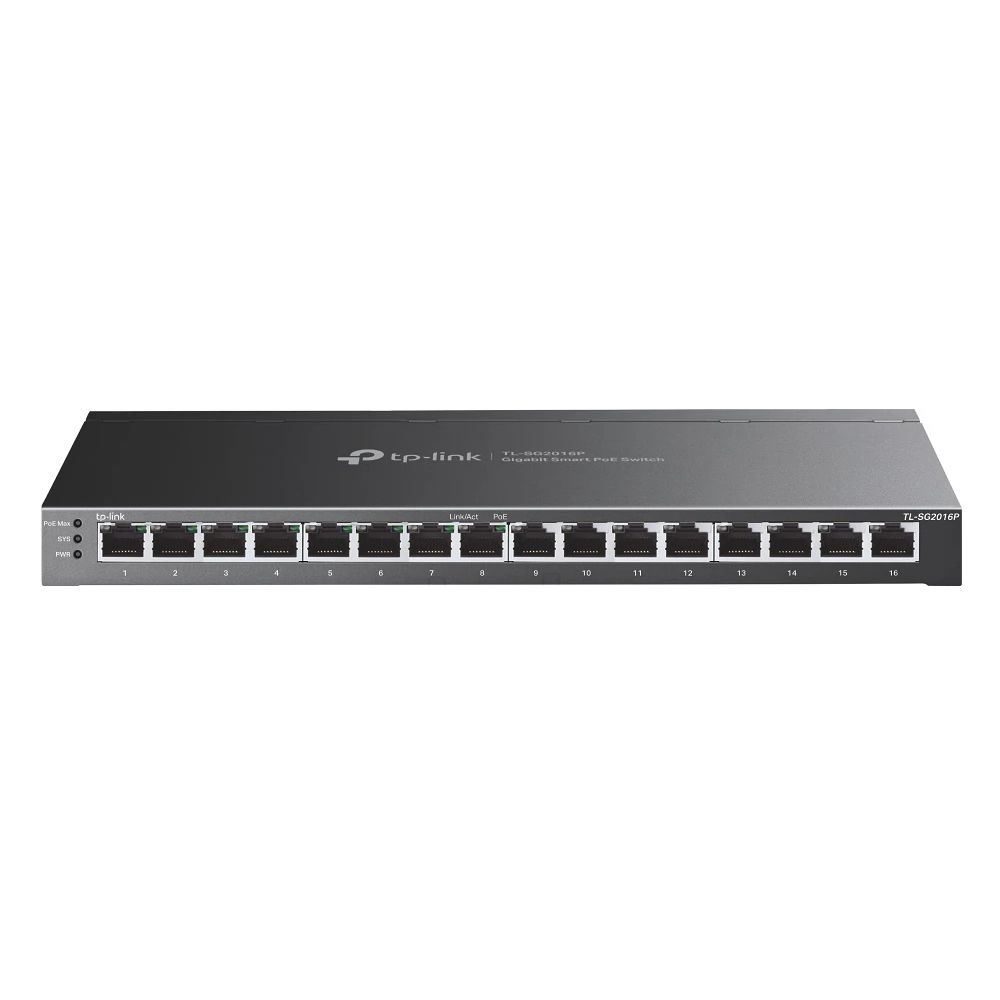
This is one of the few faults with a signature so specific that you can usually diagnose it before visiting the site. If cameras drop offline in the evening, return on their own by morning, and behave perfectly whenever anyone tries to reproduce the problem during the day, the switch is running out of PoE budget.
Why darkness is the trigger
A fixed 4MP camera draws roughly 4 to 8 watts in daylight. When light falls below its threshold, the infrared illuminators switch on and the draw rises — often by half again, sometimes more on a bullet camera with a long IR range.
The critical part is that every camera on the site crosses that threshold within a few minutes of each other. The switch does not see one camera ask for more power; it sees all sixteen ask at once. If the total sits above the switch's budget, it starts shedding ports.
By morning the illuminators are off, the draw falls, the ports come back, and the log shows an outage nobody witnessed.
The number that was never checked
Every PoE switch prints two figures and only one gets quoted. The per-port limit says what a single device may draw. The total budget says what every port may draw at once. A 24-port PoE switch does not mean 24 ports at full power simultaneously.
A switch can satisfy the per-port rating for every camera individually and still fail once they all draw together. That is exactly the fault above.
Doing the arithmetic
For sixteen fixed 4MP cameras:
- Peak draw with IR on: 8 W each, so about 128 W
- Cable loss over long runs: add roughly 10% → about 141 W
- Headroom for a camera swap or a hot afternoon: add 20% → about 170 W
So sixteen cameras want a switch with a total budget near 170 W. Our 16-port PoE+ unit carries 120 W and the 24-port carries 250 W — which is precisely why the camera count alone does not tell you which to buy.
How to confirm it on your own site
- Log into the switch and read the current PoE consumption after dark, not at noon
- Compare it against the printed total budget, not the per-port figure
- Check which ports drop — a switch shedding load usually drops the highest port numbers first
- Unplug two cameras for one night; if the rest hold, the budget is the cause
On an unmanaged switch you cannot read the consumption, which is one practical argument for easy smart managed on any site with cameras.
Fixing it
In order of preference: move to a switch with the right budget; or split the cameras across two PoE switches; or move the highest-draw cameras — usually PTZ models, which need PoE+ at 30 W — onto their own supply.
What does not fix it is replacing the cameras, rebooting the NVR on a schedule, or adding a UPS. We have seen all three tried first.
The PoE switch range lists the total budget against every model, and the full budget walkthrough works through the numbers. If you already know your camera count and types, send them and we will size the switch against them.