
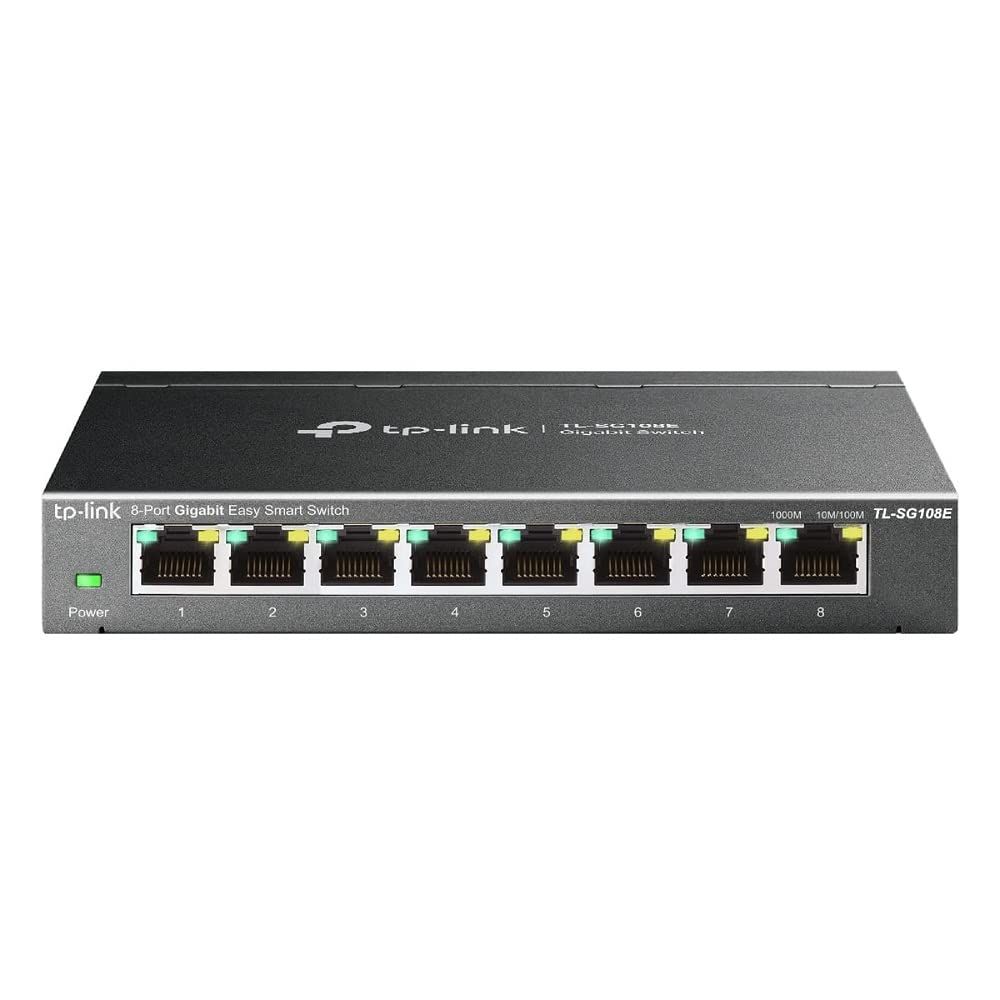
This is the question we are asked more than any other, and most answers to it online come down to "buy managed if you can afford it". That is advice from someone who will not have to administer the thing. The better question is not which switch is more capable — it is which capabilities anyone at your site will ever open a browser to configure.
The short answer
Unmanaged if every device sits on one flat network, nobody will configure anything, and the site has fewer than about twenty devices. A desk cluster, a small shop, a two-room office.
Easy smart managed if you need to separate one kind of traffic from another — and if you have CCTV cameras, you do. This is where most Chennai offices should land.
Fully managed if a network team already runs a controller, or the site spans multiple floors with routing between them.
The one situation that settles it
If cameras and staff computers share the same network, you want at least easy smart managed. Not for performance — a camera stream is small — but because a camera is an internet-connected computer that nobody patches. Putting cameras on their own VLAN means a compromised camera cannot see the accounts machine.
That single reason decides more quotes than every other feature combined. Guest Wi-Fi is the second: visitors should reach the internet and nothing else.
What each tier actually gives you
Unmanaged
Plug in and it works. No IP address, no console, no firmware to maintain, nothing to misconfigure at 6pm on a Friday. That last point is a genuine advantage, not a consolation.
The limit is that every device can see every other device, and you cannot prioritise anything. There is also no way to ask the switch what is happening — when a link goes bad, you are diagnosing blind.
Easy smart managed
A web page, a set of VLANs, basic QoS, port monitoring and per-port statistics. Enough to separate CCTV, voice and guest traffic, and enough to see which port is throwing errors.
What you give up compared with fully managed: no command line, limited routing, and a feature set that stops short of link aggregation on some models. For an office without a full-time network administrator, that is the right trade.
Fully managed
VLAN routing, link aggregation, spanning tree, SNMP, and controller-based management across a fleet. Worth it when a team already runs the controller — a UniFi site, for instance, where adding a non-UniFi switch means running two consoles and getting half the visibility from each.
The mistake worth avoiding
Buying management nobody configures. We have walked into server rooms with a fully managed switch running in complete factory default — no VLANs, no QoS, nothing. That site paid for a console that was never opened, and would have been better served by an easy smart unit and the difference spent on PoE budget.
The reverse mistake is cheaper to fix but more common: an unmanaged switch on a site with cameras, where separating traffic later means replacing the switch rather than configuring it.
How this maps to what we stock
- Unmanaged — TP-Link 5-port gigabit, and the NICGIGA 12-port gigabit PoE where the requirement is powered ports and nothing else
- Easy smart managed — 8-port, 16-port and 24-port TP-Link
- Fully managed — Ubiquiti UniFi USW-48-PoE
The full range, with port counts and PoE budgets, is on our network switch page. If you are not sure which tier fits, send us the device list and whether cameras share the network — that is usually enough to answer it.