
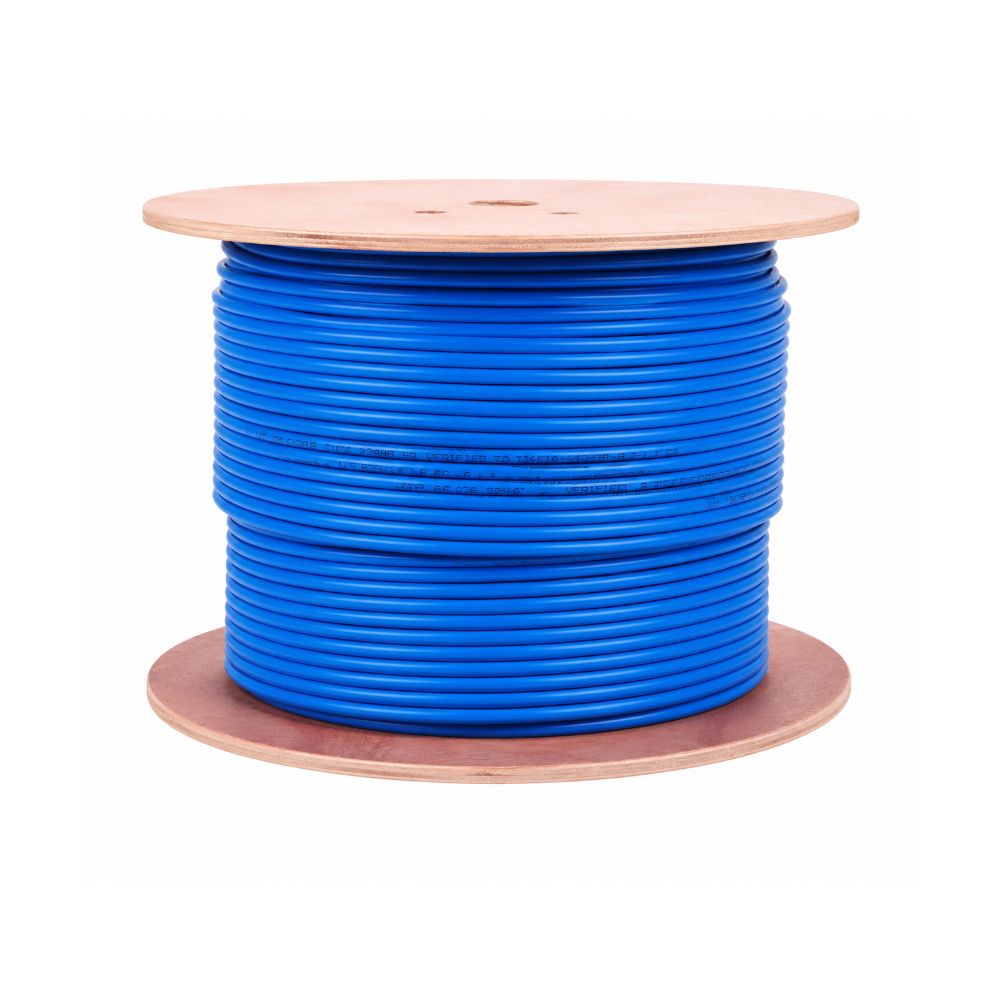
Every office cabling quote eventually reaches the same question: Cat6 or Cat6A? The price difference looks small on a single roll and significant across a whole floor, and the specification sheets do a poor job of explaining what actually changes for you. This guide is written for the person signing off the network, not for a cabling engineer.
The short answer
Use Cat6 for ordinary desktop and printer runs where 1 Gbps is enough and the cable run stays under 90 metres. Use Cat6A for backbone links between floors, for runs feeding Wi-Fi 6 and Wi-Fi 6E access points, for anything connecting to a server room, and for any building you expect to still be using in ten years.
Most offices we supply in Chennai end up with a mix: Cat6A on the backbone and to access points, Cat6 to the desks. That combination gives you headroom where it matters without paying for it at every single outlet.
What the two categories actually specify
Bandwidth and speed
Cat6 is tested to 250 MHz. It carries 1 Gbps comfortably across the full 90-metre permanent link. It can carry 10 Gbps, but only over shorter distances — typically 37 to 55 metres, depending on how much interference the surrounding bundle produces.
Cat6A is tested to 500 MHz and is specified for 10 Gbps across the full 100-metre channel. That is the real difference: not raw speed, but speed held over distance.
Alien crosstalk
This is the specification most buyers have never heard of, and it is the reason Cat6A costs more. Alien crosstalk is interference between one cable and its neighbours in the same bundle or tray. At 10 Gbps it becomes the limiting factor, and Cat6 was never tested for it.
Cat6A is built to control it — usually with a thicker jacket, tighter twists, and often a separator inside the cable. When you pull forty cables through one tray in an office ceiling, this is what keeps the top-end speeds stable.
Physical size
Cat6A is noticeably thicker: roughly 7–8 mm outer diameter against 5.5–6 mm for Cat6. It also demands a larger bend radius. That matters more than people expect:
- Conduit and tray fill calculations change — fewer Cat6A cables fit the same duct
- Tight corners behind furniture become harder to dress cleanly
- Patch panel and rack cable management needs more room
If you are retrofitting an existing office with conduit already in the walls, measure before you commit to Cat6A. We have seen projects where the cable was ordered and the conduit simply would not take it.
Cost, honestly
Cat6A cable typically runs 1.5 to 2 times the price of Cat6. But cable is only part of the bill. Cat6A also needs matched components — jacks, patch panels and patch cords rated to the same category — or the channel drops back to Cat6 performance regardless of what you spent on the cable.
The part that surprises people: labour is nearly identical. Pulling, terminating and testing costs roughly the same either way. On a full office fit-out, moving from Cat6 to Cat6A often changes the total project cost by less than the cable price difference suggests, because material is only one line on the quote.
You can compare current pricing on our Cat6 UTP cable and the rest of our Cat6 cable range.
Where each one belongs in a real office
Choose Cat6 for
- Desktop and laptop outlets running standard 1 Gbps
- Printers, IP phones, card readers and similar low-bandwidth devices
- Short runs inside a single floor
- Fit-outs where the tenancy is short and the budget is fixed
Choose Cat6A for
- Backbone runs between floors or between IDF and MDF
- Wi-Fi 6 and Wi-Fi 6E access points — modern APs can exceed 1 Gbps on the wired side
- Any link into a server room or data centre rack
- Long runs approaching 90 metres where you still want 10 Gbps headroom
- Buildings where re-cabling later would be disruptive or expensive
The components have to match
A cabling channel performs at the level of its weakest component. Cat6A cable terminated into Cat6 jacks gives you a Cat6 channel — you have paid for the upgrade and received none of it.
If you specify Cat6A, specify it end to end:
- Information outlets rated Cat6A — see our CommScope and D-Link jacks for the Cat6 equivalents
- Patch panels of matching category, covered on our RJ45 connector and patch panel page
- Factory-terminated patch cords such as our 1 metre and 2 metre cords — field-terminated cords are a common source of failed certification
- Face plates sized for the larger jacks
Five questions to settle before you order
- How long is the longest run? Under 40 metres, Cat6 will carry 10 Gbps if you ever need it. Near 90 metres, it will not.
- What is on the wireless roadmap? Wi-Fi 6E access points make Cat6A worth it at those specific outlets.
- How long will you occupy the building? Under three years, Cat6 is usually the rational choice. Ten years and the calculation reverses.
- Will the conduit take it? Measure existing ducts before specifying Cat6A on a retrofit.
- Is the rack ready? Cat6A needs deeper patch panels and more cable management space. Our rack and cable manager range covers the sizes.
A practical middle path
You do not have to choose one for the entire building. The approach we recommend most often:
- Cat6A on every backbone and riser link
- Cat6A to each wireless access point
- Cat6 to standard desk outlets
- Two spare Cat6A runs pulled to each floor's IDF while the ceiling is open
That last point costs very little during the initial pull and saves a great deal later. Pulling cable into an occupied office is the expensive part, not the cable itself.
Need help specifying it?
Send us your floor plan, outlet count or BOQ and we will work out the cable quantities, jack and patch panel counts, and rack space for both options so you can compare real numbers rather than list prices. We supply Cat6 and Cat6A cable, jacks, patch panels, patch cords and racks to offices, IT companies, system integrators and contractors across Chennai.
Send your requirement for a quote, or browse the full active and passive networking range.