
Active & Passive Networking Components — Chennai
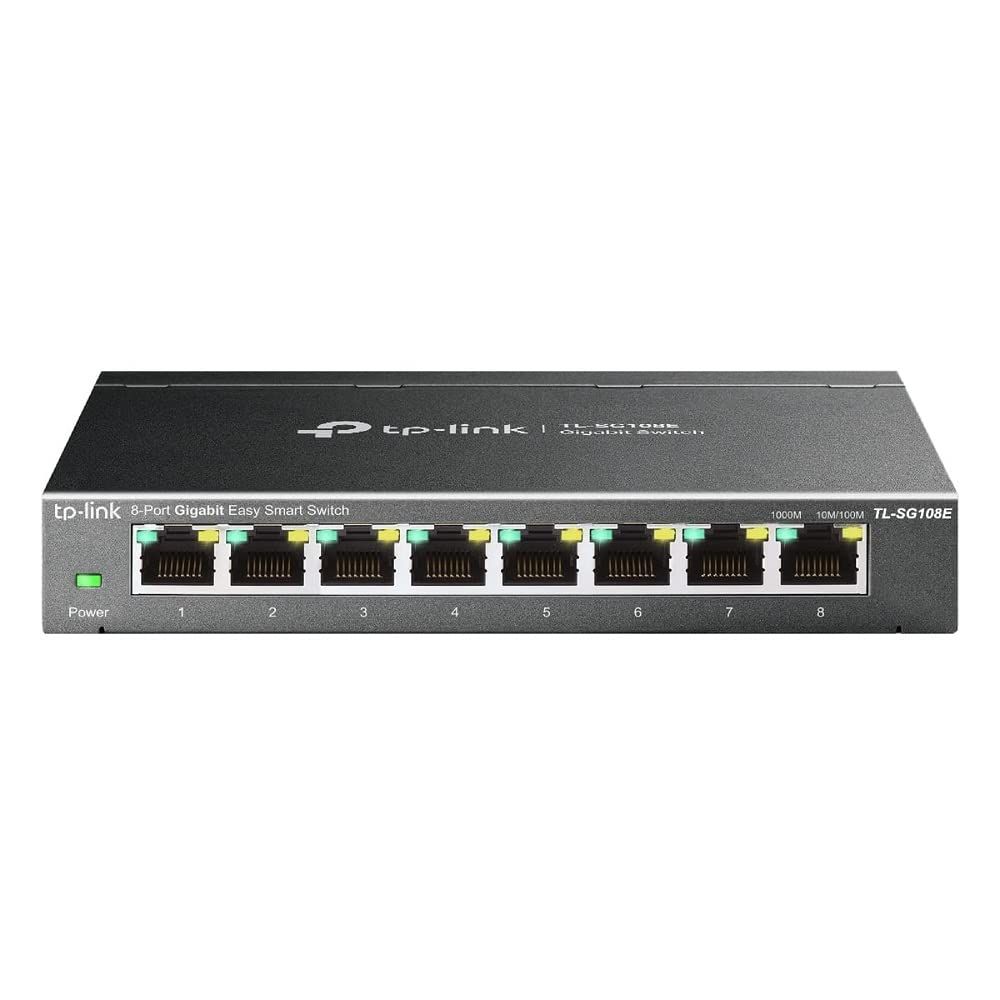
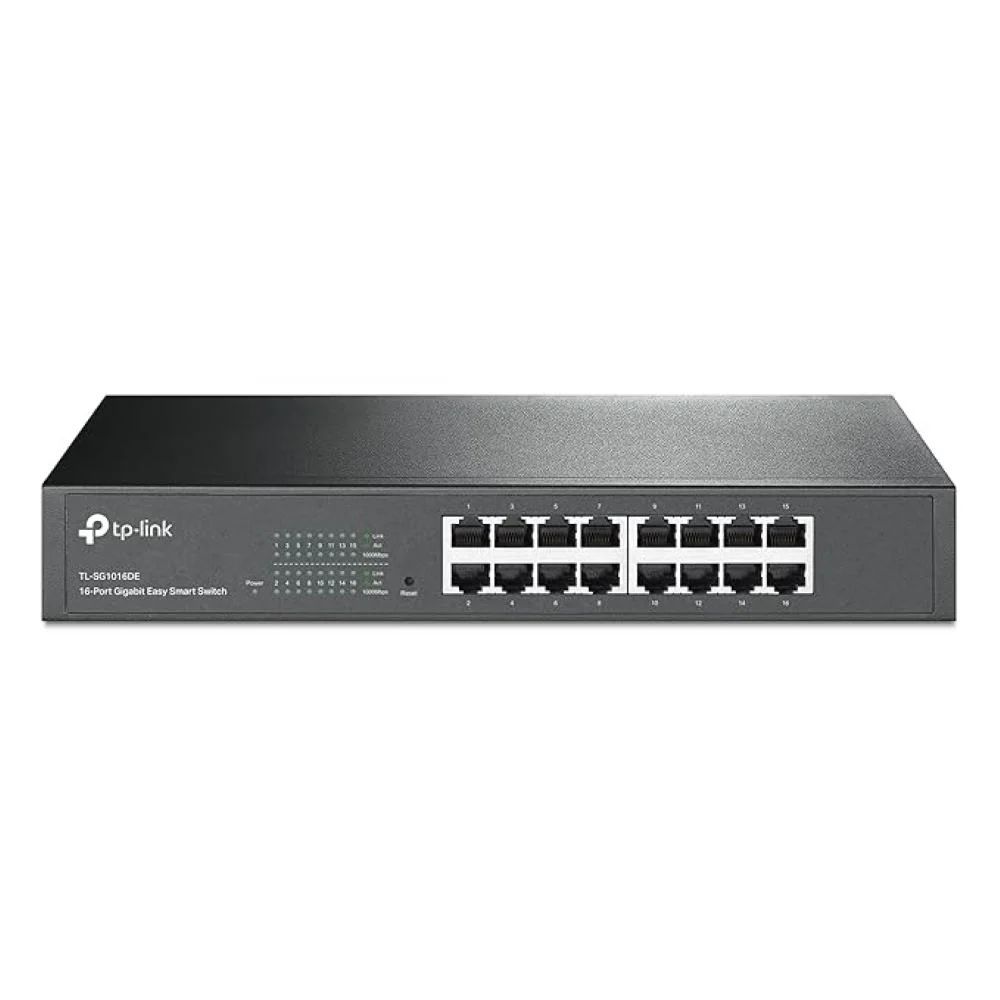
Star Networking Services supplies both active components (network switches) and passive components (Cat6 cabling, RJ45 connectors, cable managers) needed to build a complete structured network across Chennai.
What separates active from passive
The distinction is simply whether a component needs power to do its job. Active components take electrical power and act on the signal — they read addresses, make forwarding decisions, regenerate and amplify. Passive components carry the signal without altering it.
It matters commercially because the two behave differently over a network's life. Passive infrastructure is installed once and expected to last a decade or more; active equipment is replaced as speeds and requirements change. Underspecifying the passive layer is the expensive mistake, because replacing it means opening walls and ceilings.
- Active — switches, routers, wireless access points, media converters, SFP modules
- Passive — cable, jacks, faceplates, patch panels, patch cords, racks, cable managers
Choosing the active layer
Switches are where most of the decisions sit. Port count, speed, PoE and management level between them determine both cost and how the network behaves as it grows.
- Port count — order for outlets plus growth, not exactly today's device count
- Speed — gigabit for standard access; consider uplinks a tier higher than access ports
- PoE — required for IP cameras, wireless access points and VoIP phones; check total budget as well as per-port rating
- Unmanaged — plug and play, right for small flat networks
- Managed — VLANs, port monitoring, link aggregation and remote administration, right once the network carries CCTV, voice and data together
Specifying the passive layer
A channel performs at the level of its weakest component. Cat6 cable terminated into Cat5e jacks gives a Cat5e channel, so specify one category end to end — cable, jacks, patch panels and patch cords.
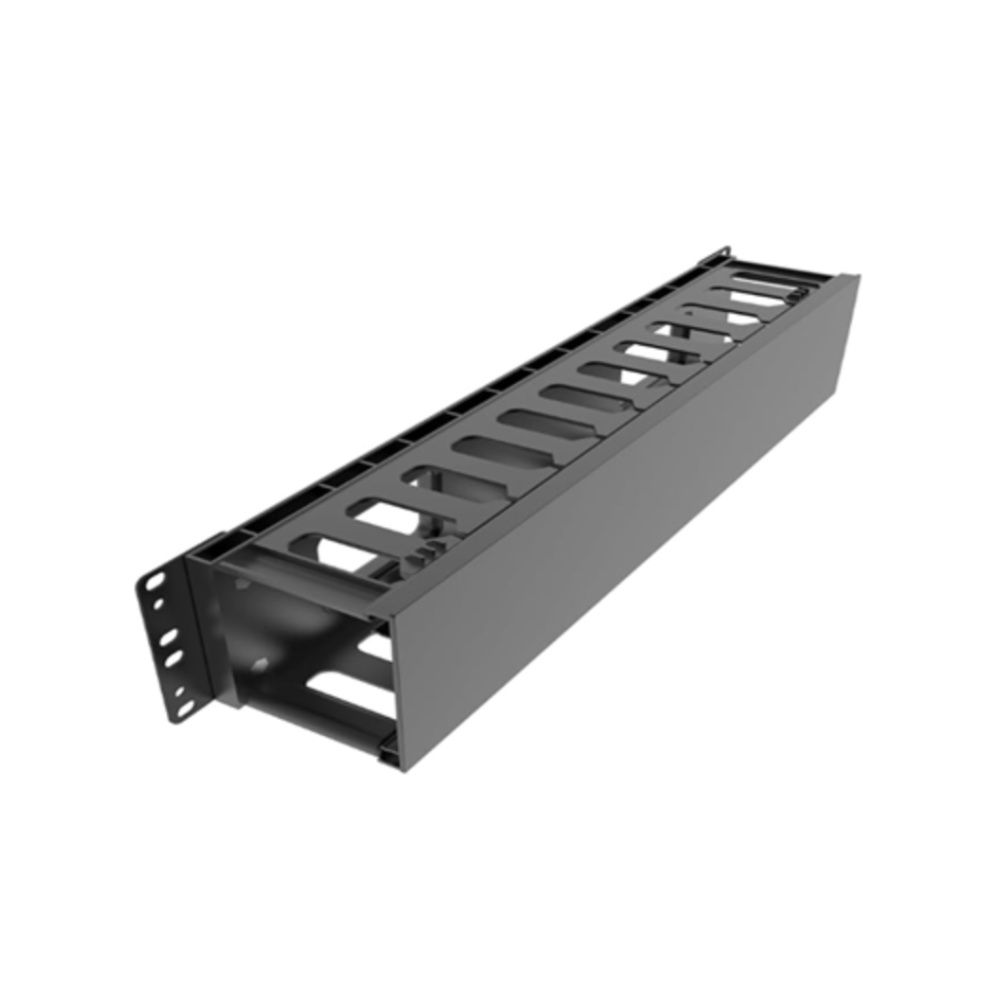
Plan the rack around the passive layer as well: a horizontal cable manager between each patch panel and switch keeps patch cords within their bend radius and makes later changes possible without disturbing live links.
Cat6 cable and patch cords · RJ45 connectors, faceplates and patch panels · Racks, cable managers and PDUs
The Active Layer
Everything that needs power and makes a decision about traffic. Replaced on a refresh cycle, so specify for the next five years rather than the next fifteen.
Network Switches
The centre of the active layer. Port count, PoE budget and whether the network needs segmenting decide the model — in that order.
PoE and PoE+ Switches
Power and data on one cable for cameras, access points and IP phones. Size on the total budget, not the per-port rating.
Wireless Access Points
One per 100 to 150 sq m of open floor, more through walls. Modern access points can exceed 100 Mbps on their own, so they want gigabit to the port and PoE+ on the higher-power models.
Routers and Gateways
The boundary to the internet, and where VLANs meet if the switch layer cannot route between them itself.
Media Converters and SFP Modules
Where copper runs out of distance. Matched to the switch model and the fiber mode at both ends.
The Passive Layer
Everything that carries the signal without touching it. It goes in the walls first and comes out last, so it is worth specifying for fifteen years rather than five.
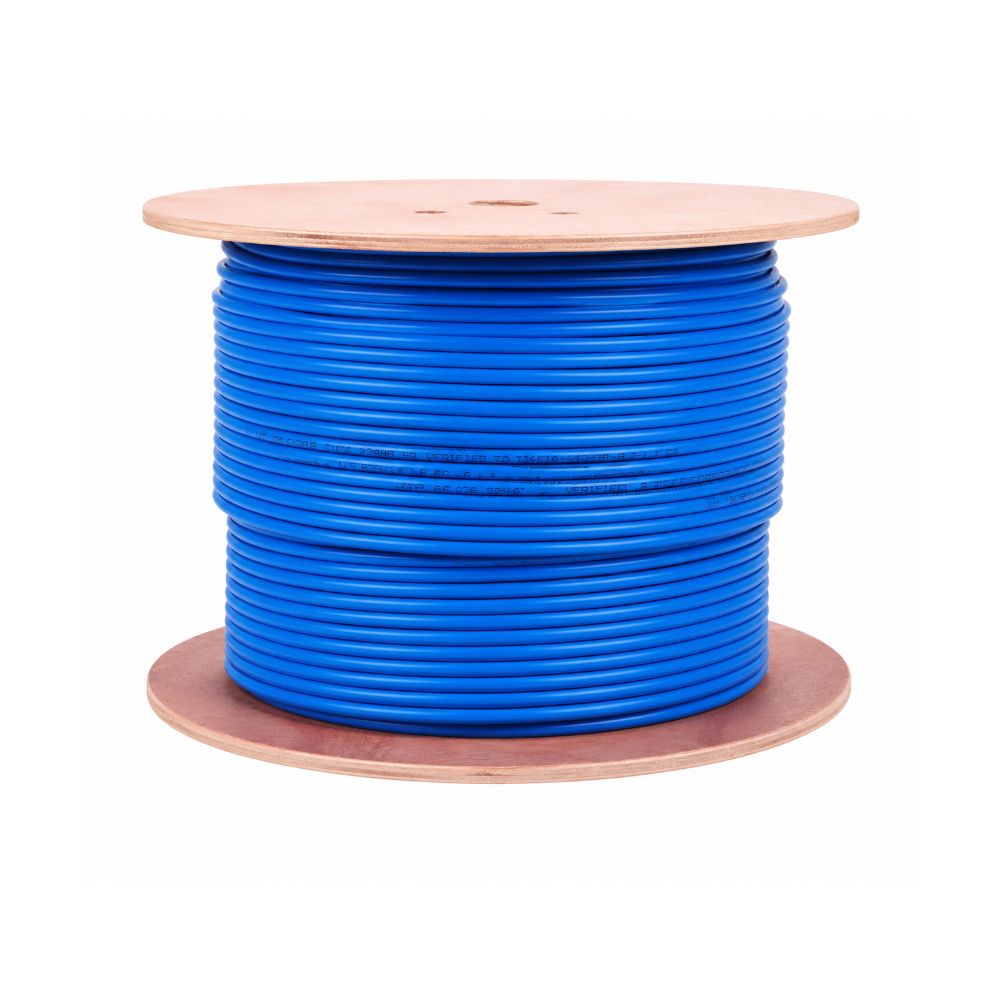
Cat6 and Cat6A Cable
Solid conductor, pure copper. Copper-clad aluminium is cheaper and carries materially more resistance, which shows up as voltage drop on PoE runs rather than as lost bandwidth.
Information Outlets and Jacks
One per run, punched down to solid cable. A jack is what makes a link testable and a device swappable without touching the cable in the wall.
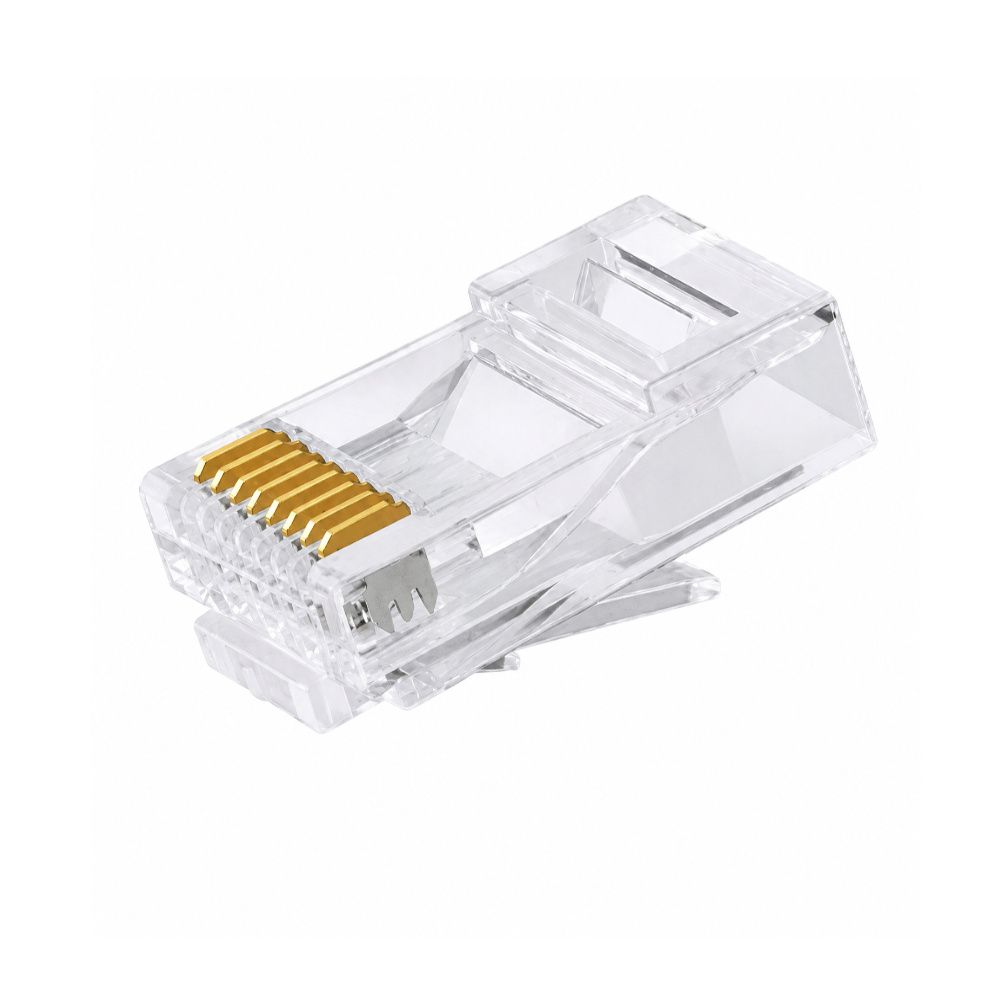
RJ45 Connectors and Face Plates
Plugs belong on stranded patch cable; face plates carry the modules at the outlet position, sized for the module count at that point.
Patch Panels and Patch Cords
The panel is the boundary between the permanent cabling and the part that changes. Two cords per run — one at the rack, one at the device.
Racks, Managers and PDUs
Where the active layer lives. Depth and airflow decide more than height, and a horizontal manager between panel and switch is what keeps a link traceable a year later.
Fiber Cable and LIU
The passive backbone where copper cannot reach. OFC, pigtails, LIU enclosures, adapters and patch cords, spliced and tested.
The order to design in
Working from the outlets backwards produces a network that fits the building rather than one that fits a product list. Count the outlets each area needs, decide which of them carry PoE devices, then size the switch and its power budget from that. The rack follows from the equipment, and the cable category follows from the distances and the speeds you expect to need in ten years.
Doing it in the other order — picking a switch first — is how projects end up with cable that cannot carry what the switch can deliver.
Both layers from one supplier
We supply active and passive networking components together — switches, Cat6 cable, connectors, patch panels, racks, cable managers and fiber hardware — to IT companies, hospitals, factories, offices, system integrators and contractors across Chennai. Star Networking Services has supplied networking products since 1998, across more than 300 projects.
Sourcing both layers from one supplier avoids the compatibility gaps that appear when cable, connectors and switches are bought separately. Share your BOQ or project specification and we will quote the complete list.
Active & Passive Components buying guides
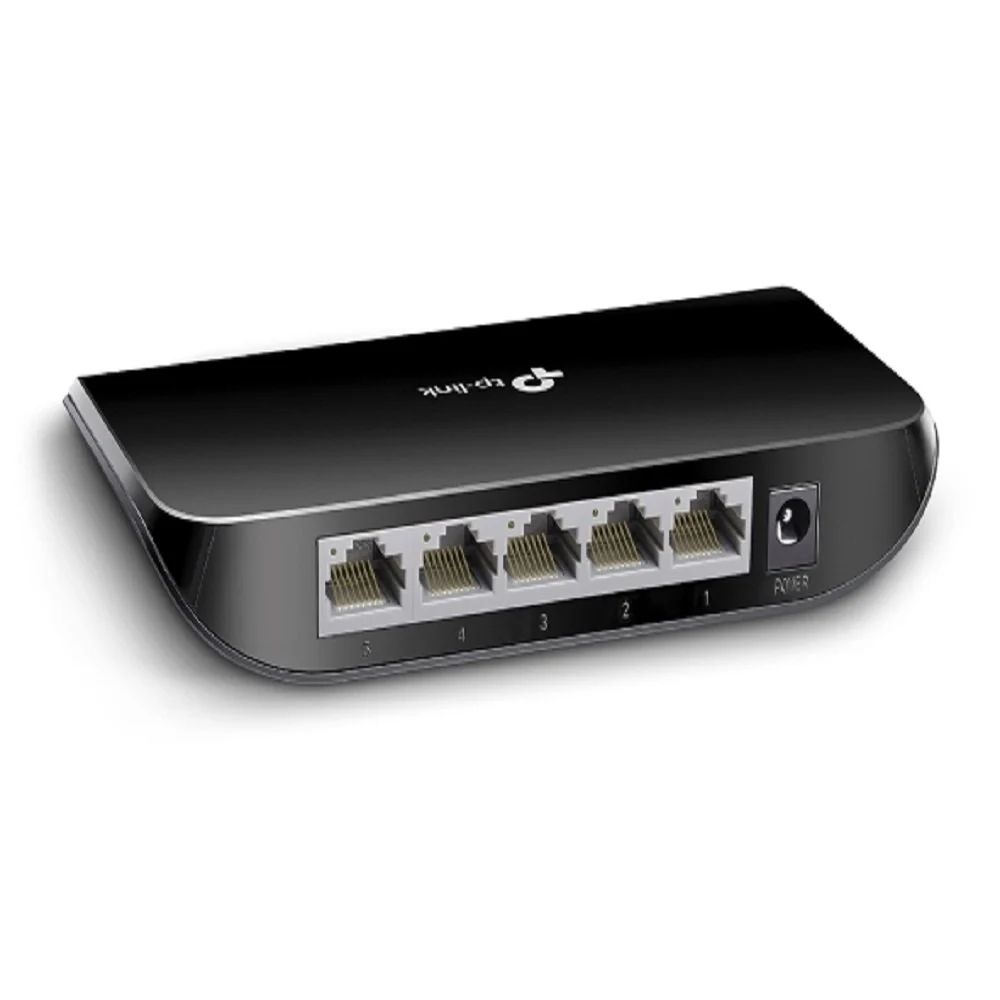
Gigabit or Fast Ethernet: Where the Extra Speed Is Worth Paying For
Gigabit is the default and usually right, but not everywhere. Where 100 Mbps is genuinely sufficient, where gigabit changes something, and why the uplink matters more than the access ports.
Read guide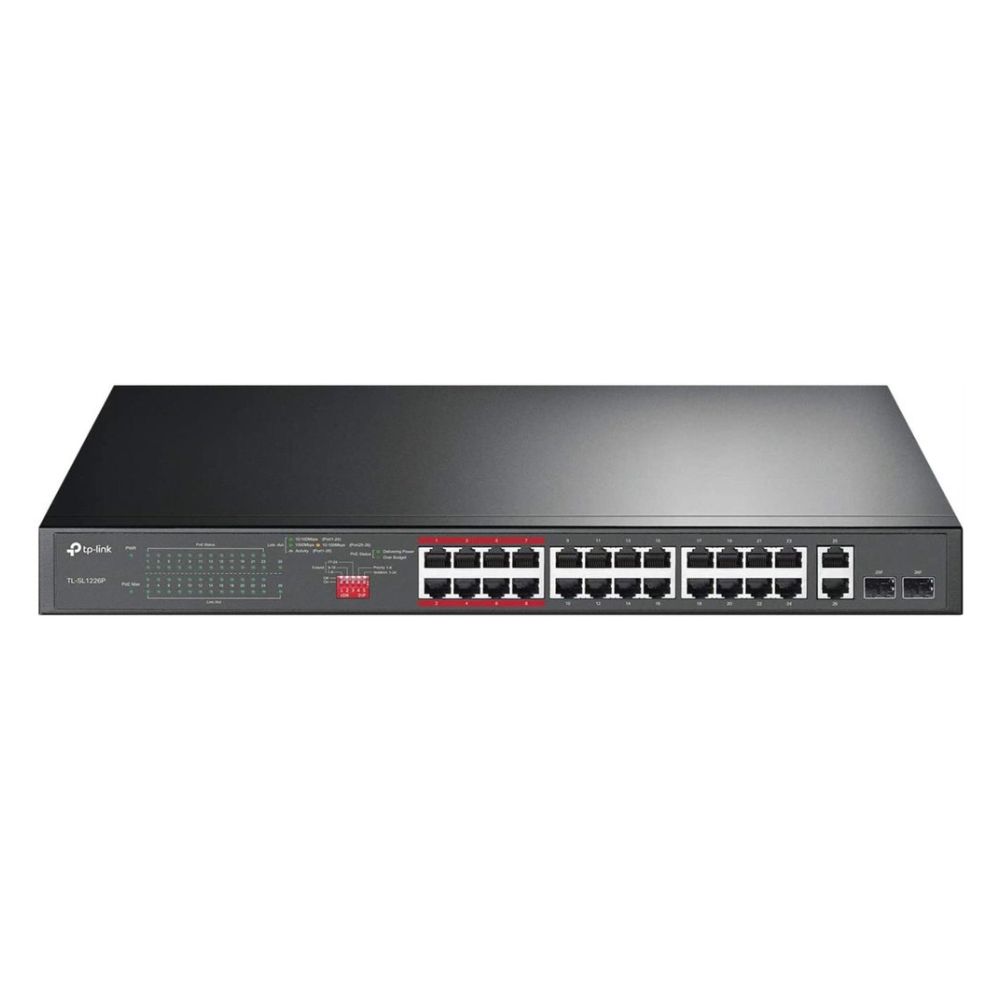
PoE, PoE+ and PoE++: Which One Do Your Devices Need?
The three power standards, what each delivers at the port and at the device, which equipment needs which — and the PTZ camera mistake that costs a site an extra switch.
Read guide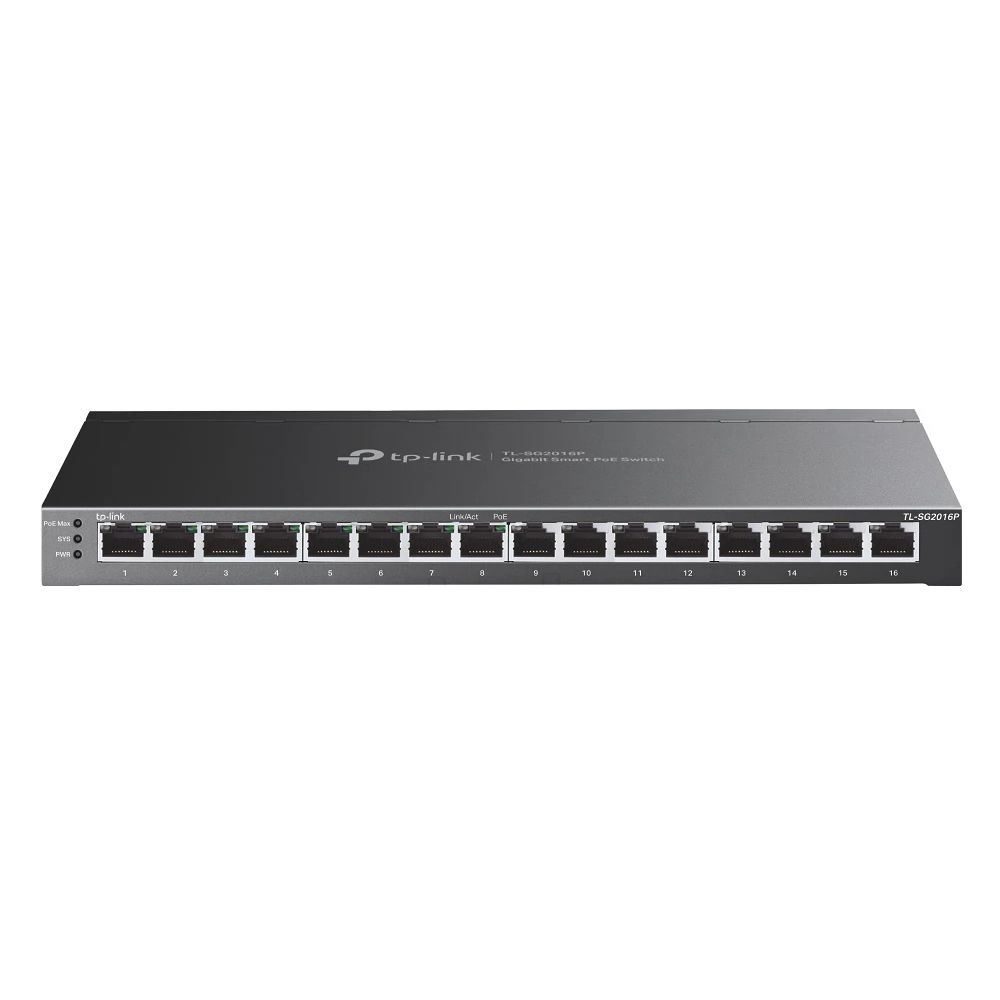
Why Do My CCTV Cameras Go Offline at Night?
Cameras drop in the evening, come back by morning, and nobody can reproduce it during the day. Nine times out of ten it is the PoE budget, and the reason it only happens after dark is infrared.
Read guide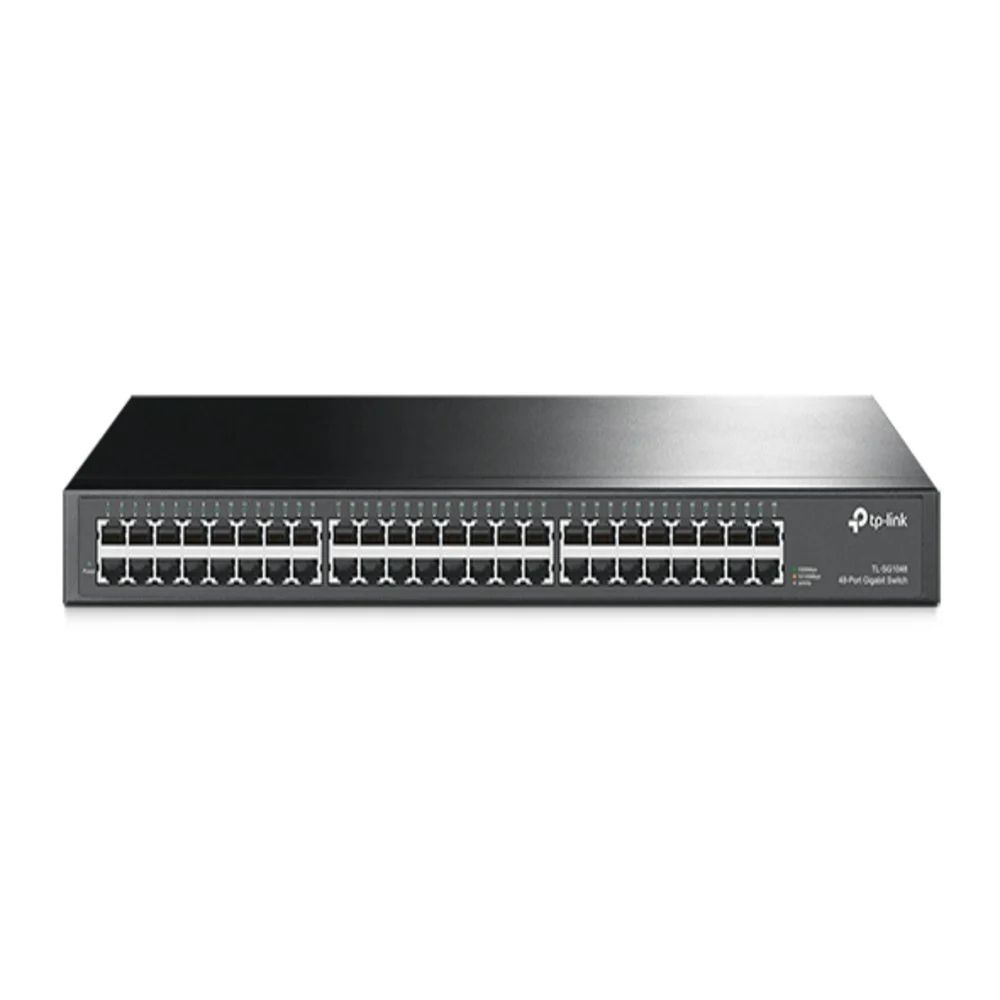
How Many Switch Ports Do I Need? Sizing It Properly the First Time
Offices consistently under-count. A walk through everything that plugs in, how much expansion headroom to leave, and why adding a second switch later costs more than buying one size up today.
Read guideManaged or Unmanaged Switch: Which Does Your Office Actually Need?
The most common question we get asked, answered by what you will actually configure rather than by the feature list. Where unmanaged is the right answer, where easy smart earns its money, and the one situation that settles it.
Read guide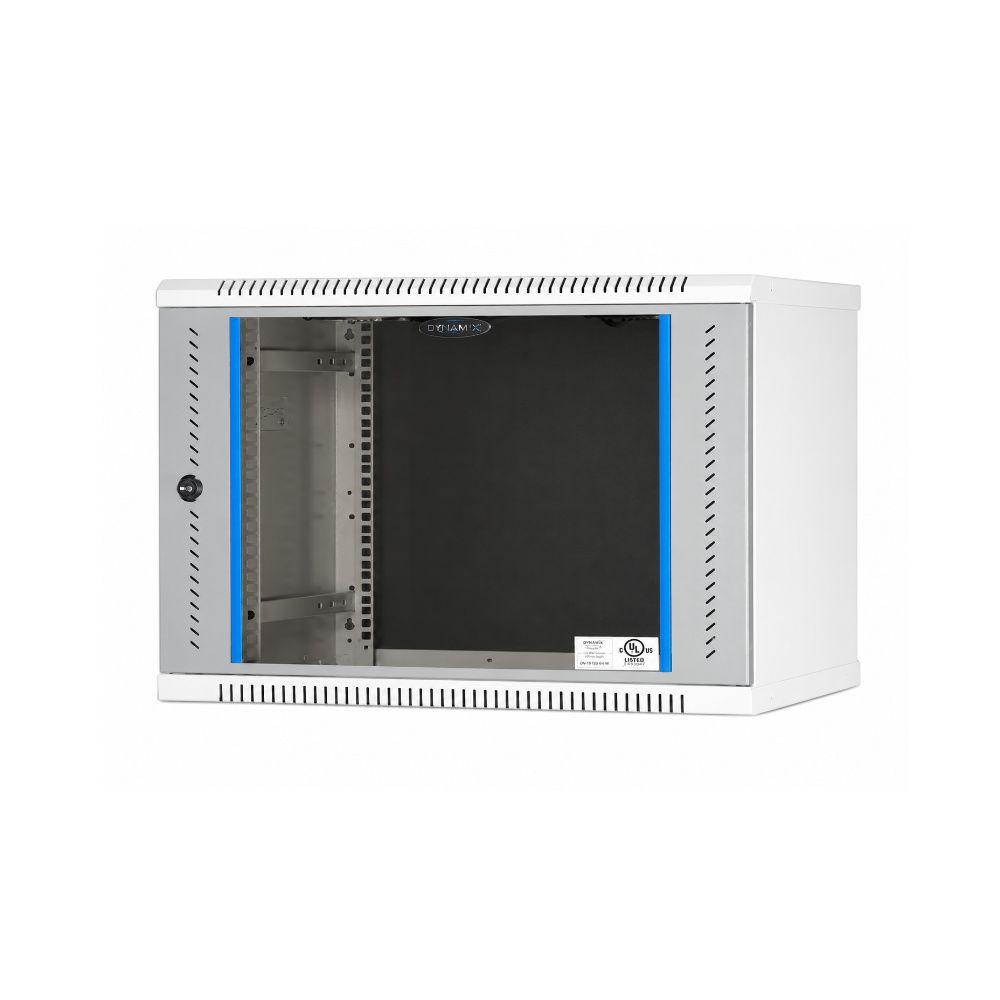
Network Rack Size Guide: 6U, 9U or Floor-Standing?
How rack units are measured, how to work out the size you need, and the two dimensions people forget: depth and ventilation.
Read guideFrequently Asked Questions
What is the difference between active and passive components?
Active components (like network switches) power and process network signals; passive components (like Cat6 cabling, RJ45 connectors and racks) carry and organise the physical connections without powered processing. We supply both.
Which components are active and which are passive?
Active components include switches, routers, wireless access points, media converters and SFP modules. Passive components include cable, information outlets, faceplates, patch panels, patch cords, racks and cable managers.
Should I choose a managed or unmanaged switch?
Unmanaged switches are plug and play and suit small, flat networks. Managed switches add VLANs, port monitoring, link aggregation and remote administration, which become worthwhile once the same network carries CCTV, voice and data together, or once you need to segment traffic.
Why does the passive layer matter more than the active one?
Active equipment is replaced every few years as requirements change, and swapping a switch is straightforward. Passive cabling is installed once, inside walls and ceilings, and is expected to last a decade or more. Underspecifying it is the expensive mistake because replacing it means opening the building up again.
Can you supply both switches and cabling for a complete project?
Yes. We supply the active and passive layers together — switches, Cat6 cable, connectors, patch panels, racks and cable managers — which avoids the compatibility gaps that appear when they are bought from separate suppliers.
How do I size a switch for my office?
Count the outlets each area needs and identify which carry PoE devices such as cameras, access points or IP phones. Size the port count for outlets plus growth, then check the switch's total PoE budget covers the powered devices, not just its per-port rating.
Do you supply networking components in bulk with GST invoicing?
Yes. We supply active and passive components in project quantities with GST invoicing for businesses, system integrators and contractors across Chennai. Share your BOQ or product list for a quotation.